

14 Nights With You (v5.5.0) by cutiesai
2D games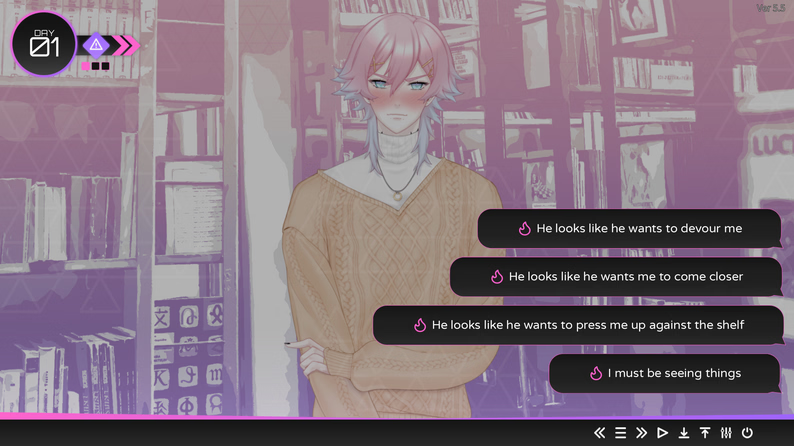
About the game
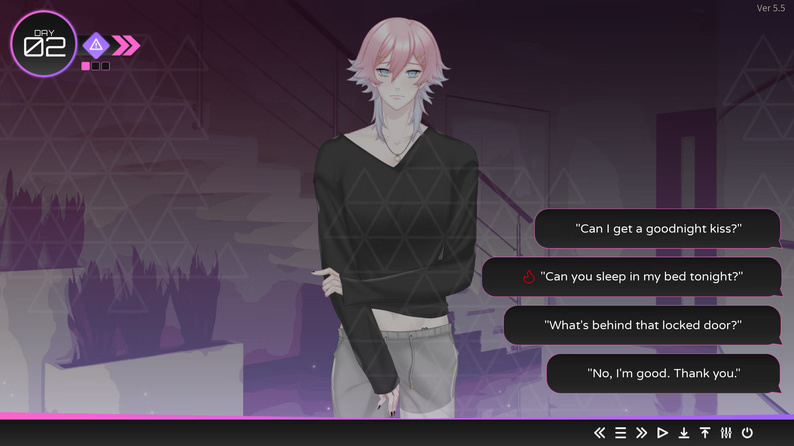
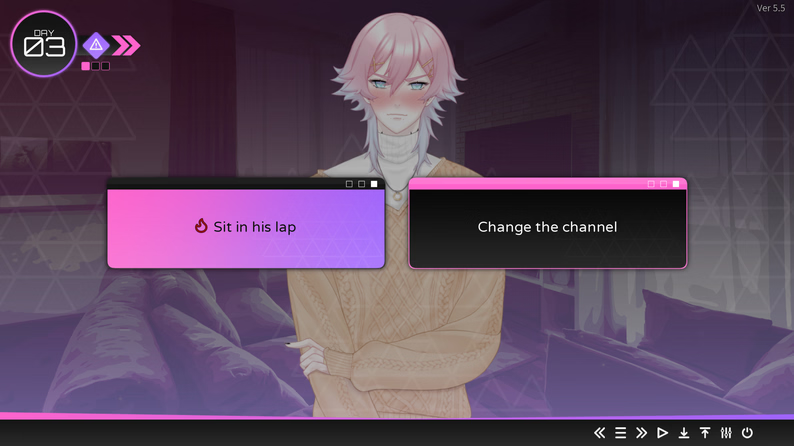
14 Days With You is an upcoming romantic horror visual novel centred around Ren, a mysterious individual who seems more than obsessed with you — and is willing to do anything he can to have you.
Last update: 2025-11-30
Released: 2025-11-29
Creator (developer): cutiesai
Censored: No
Version: 5.5.0 Demo
OS: Windows, Linux, Mac
Language: English
Genre:
How to install:
1. Download and unzip the "14 Nights With You" DLC.
2. Open the folder with the in it and locate the "game" folder
3. Place the "14 Nights With You" folder inside the "game" folder
4. Run the game normally to check if you've installed the DLC. There should be a notification in the top right corner of the main menu screen!
MacOS
1. Download and unzip the "14 Nights With You" DLC.
2. Right-click the app and select "Show Package Contents"
3. Open the folders in this order: Contents → Resources → autorun → game
4. Place the "14 Nights With You" folder inside the "game" folder
5. Run the game normally to check if you've installed the DLC. There should be a notification in the top right corner of the main menu screen!
Changelog:
All
:
14 Nights With You is brought to you by xGames as a part of our best adult games list. Free access to this adult game is served via few clicks. Games like 14 Nights With You are delivered to you is always here.
Screenshots
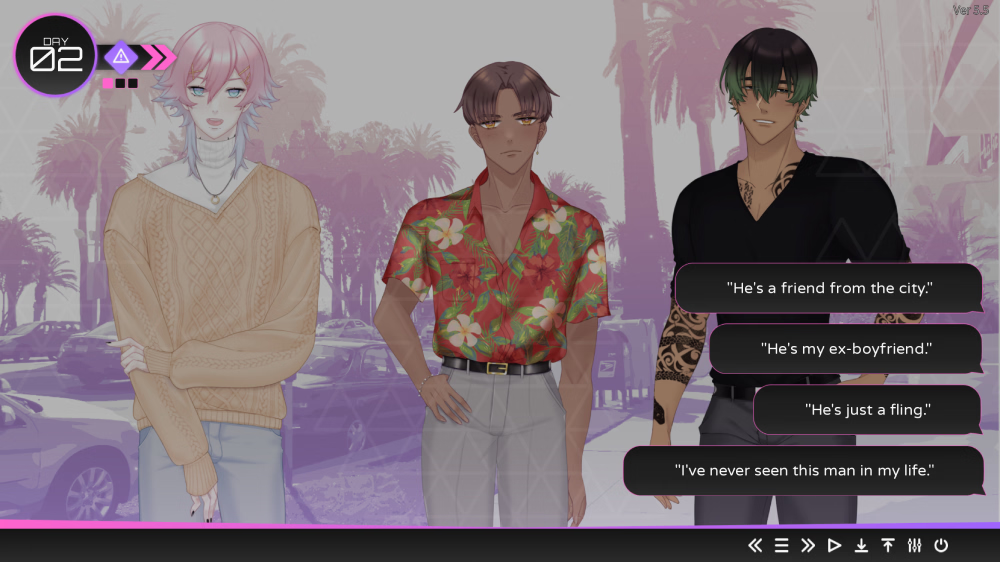
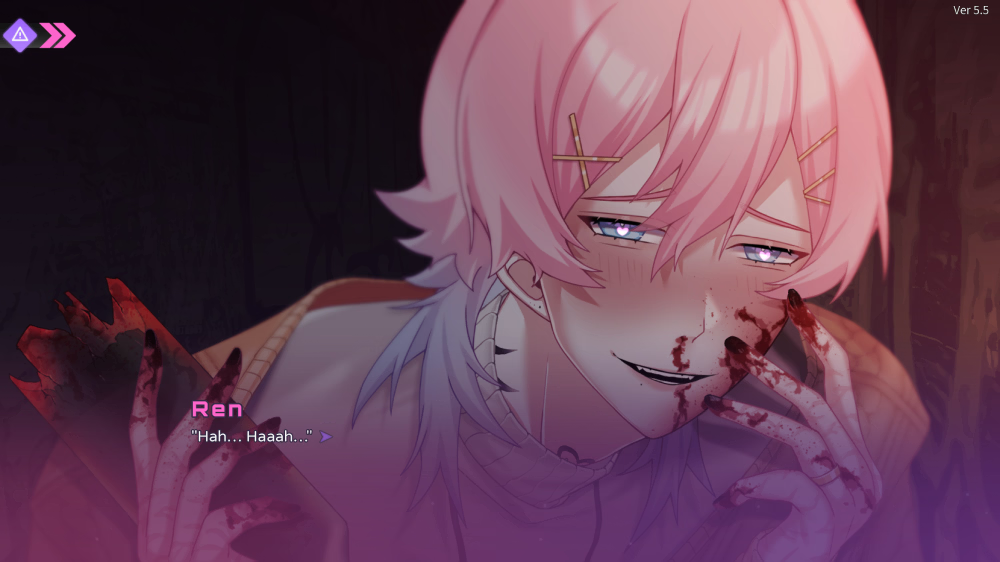
Downloads
14nightswithyou-paid-2fe00b.xgames.zip
Related Games
JK - Pure Maiden Education Curriculum (v1.0) by Tistrya
The protagonist works as a teacher at a girls’ academy.Contrary to the school’s demure atmosphere, many of the female students are quite worldly.One day, he happens to encounter a beautiful girl in a special class.Her appearance was the very embodiment of the word “demure.”However, because she is such a pure girl, she has absolutely no knowledge of sex.For the sake of her future, he decides to provide her with proper sex education.Last update: 2026-10-01Released: 2026-09-05Original Name: JK -純潔少女教育課程Aliase: JK -Junketsu Shoujo Kyouiku KateiCreator (developer): TistryaTranslator:Censored: YesVersion: 1.0OS: WindowsLanguage: English ()Store:Other Games:Genre:2D Game, 2DCG, Male Protagonist, Censored, Japanese Game, Creampie, Corruption, Handjob, Masturbation, Vaginal Sex, Virgin, School Setting, SandboxHow to install:1. Extract and run.

ASHGATE (v0.1) by AshgateGame
Some or all visuals in this game were created with AIDescription:You fall asleep in your own bed and wake on a cell floor in Ashgate, a prison fortress in a volcanic caldera, in the body of a famous thief who shared your name. The Queen's stolen necklace is around your neck, and it won't come off. Pit night, the prison's fight ring, is in seven days, and you're on the card. Four factions want something from you, and every woman on the block wants to know which stories about the thief are true.ASHGATE is a harem visual novel with a light sandbox. Every character is voiced in English, and every sex scene is fully animated.Trailer:Your browser is not able to display this video.Last update: 2026-10-01Released: 2026-10-01Creator (developer):Censored: NoVersion: 0.1OS: Windows, Linux, Mac, AndroidLanguage: English, German, Spanish, Portuguese, Russian, Japanese, Korean, Chinese (Simplified)Genre:2DCG, AI CG, Animated, Big Tits, Fantasy, Futa/Trans, Handjob, Harem, Humor, Male Protagonist, Mobile Game, Monster Girl, Sandbox, Teasing, Titfuck, VoicedHow to install:1. Extract and run.Changelog:v0.1 (2026-10-01)First release: the first week on the block, from the wake-up to Pit night.Three fully animated sex scenes: Nell, Red and Mags.Two getting-to-know scenes each for Nell, Red, Mags and Dessa.Four factions, eight jobs, and Work and Make Amends for every faction.Map, journal, walkthrough toggle, save anywhere and a scene gallery.Developer Notes:0.1 is free for everyone. From 0.2, each update goes to Patreon first and reaches this thread and itch.io 20 days after release day.Every character is an adult. Red is a trans woman; with the Girls with cocks switch off, her romance is off and the story plays the same.

Being Mia's Boyfriend by Jupi Games
Some or all visuals in this game were created with AIDescription:You're stuck at work again. Mia — your girlfriend — is home alone, bored, and texting you. Every reply you send changes who she becomes… and how close your best friend Noah gets.The whole story is told through your phone: read her messages as they arrive, open the photos she sends you, scroll her Instalove feed and decide how you answer. Will you pull her back, get jealous… or push her further?Last update: 2026-10-01Released: 2026-10-01Creator (developer): Jupi GamesCensored: NoVersion: Ch. 1OS: Windows, Linux, Mac, AndroidLanguage: English, TurkishLength: ~15 minutes per routeGenre:2DCG, AI CG, Male protagonist, NTR, Cheating, Corruption, Romance, Exhibitionism, Voyeurism, Texting / phone UI, Multiple routesPlanned tags: Sexual content, Group sex, Netorare, SharingHow to install:PC / Mac: Extract and run the game.Android: Install the APK (allow "install from unknown sources").Changelog:Ch. 1 — Initial release- Full Chapter 1 "Seen" (two parts, multiple branches)- 20+ choices with tones: Romantic / Distant / Jealous / Bold / NTR- Heat, Love, Jealousy & Corruption stats, Jealous and NTR routes- Phone UI: chats, notifications, Instalove, Gallery, Chapters- VIP Gallery (4 extra images, unlocked with a Patreon code)- English & TurkishDeveloper Notes:This is our first game! We read every comment — tell us what you liked and what you'd change.New chapters are planned every 3–4 weeks. Patreon supporters get early access and a monthly VIP code for the in-game VIP Gallery.The game's art is AI-generated (Stable Diffusion), story and translation were written with AI assistance.