

GIL ~ Giant Insect Research Institute ~
Hentai games
About the game
Released: 2017-07-01
Creator (developer): Yes page
Censored: Yes
Version: Final
OS: Windows
Language: English (MTL)
Genre:
How to install:
Changelog:
Ver.1.02
The juice splash expression has been added.
You can now adjust the mouse sensitivity and zoom speed from the Esc menu → Option during the game.
You can now move the viewpoint by operating the mouse.
Many facility information signs have been installed in the facility.
Fixed a bug where some items could not be picked up.
Reduced the number of light sources that are heavy to process.
Enabled to select 4 levels of image quality (mainly light source processing) in Graphics quality.
2017/05/27
Ver.1.01
Implemented difficulty level selection.
The original specification is Hard difficulty.
Developer Notes:
mainly used in TPS (Third Person Shooter) is adopted.
W: Move to the back
A: Move to the left
S: Move to the front
D: Move to the right
Q: Use recovery items
Left click: Action (open door / pick up / use items)
Left shift: Dash
space: Jump (from down) Return: Press and hold → Release → Repeat)
Left Ctrl: Squat
Right click + Mouse operation: View horizontal position move
Right click + Wheel: Viewpoint vertical position move
Right click + Left click: Viewpoint initialization
Home: Viewpoint initialization
PageUp: Viewpoint up
PageDown: Viewdown
1: Switch clothes display
2: Clothes shape switching
3: Skirt display switching
4: Underwear display switching
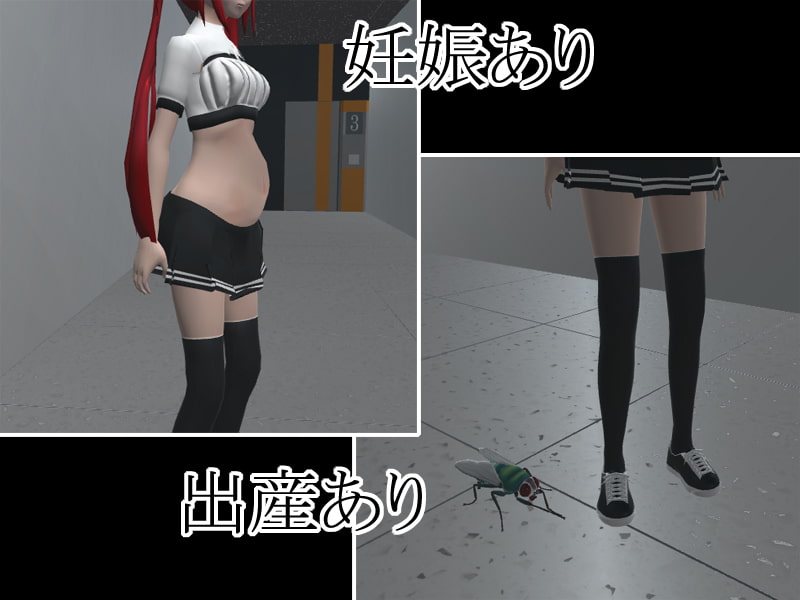
Screenshots
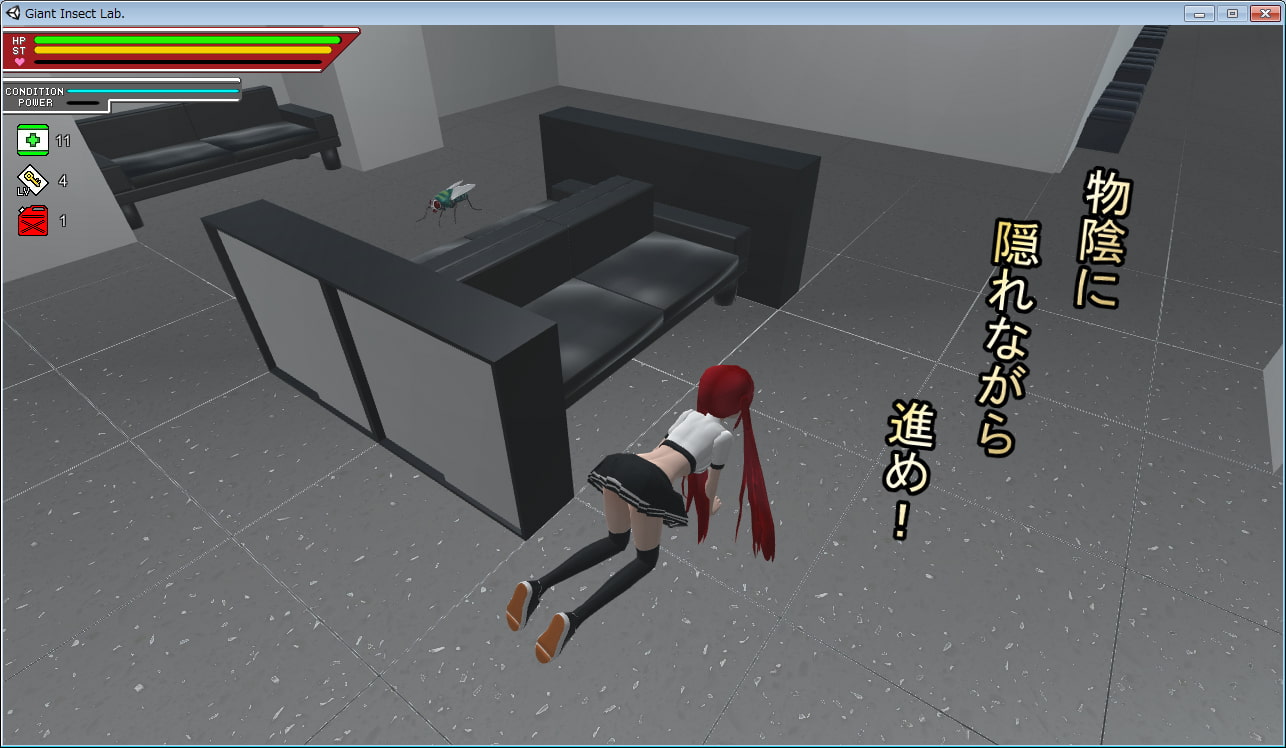
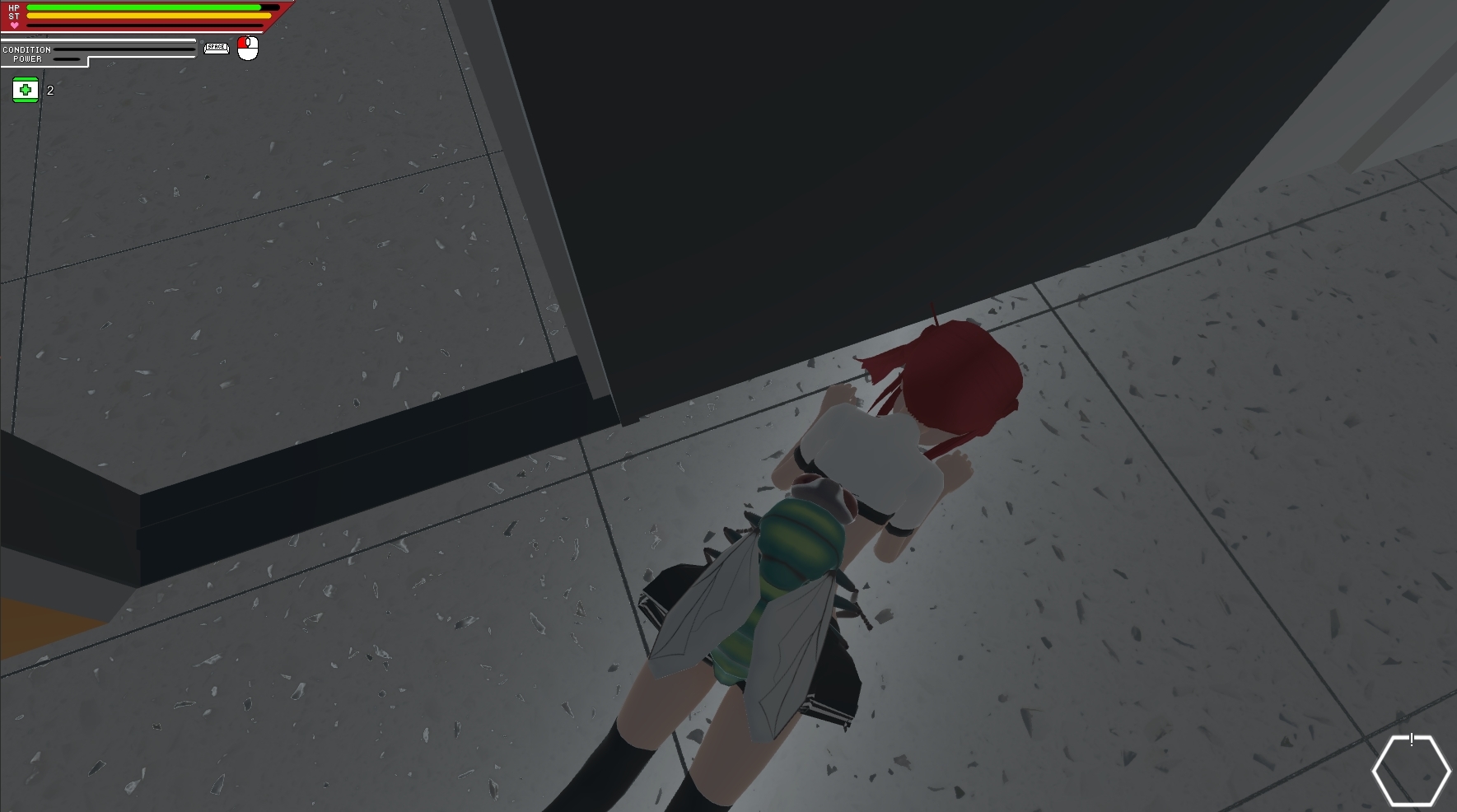
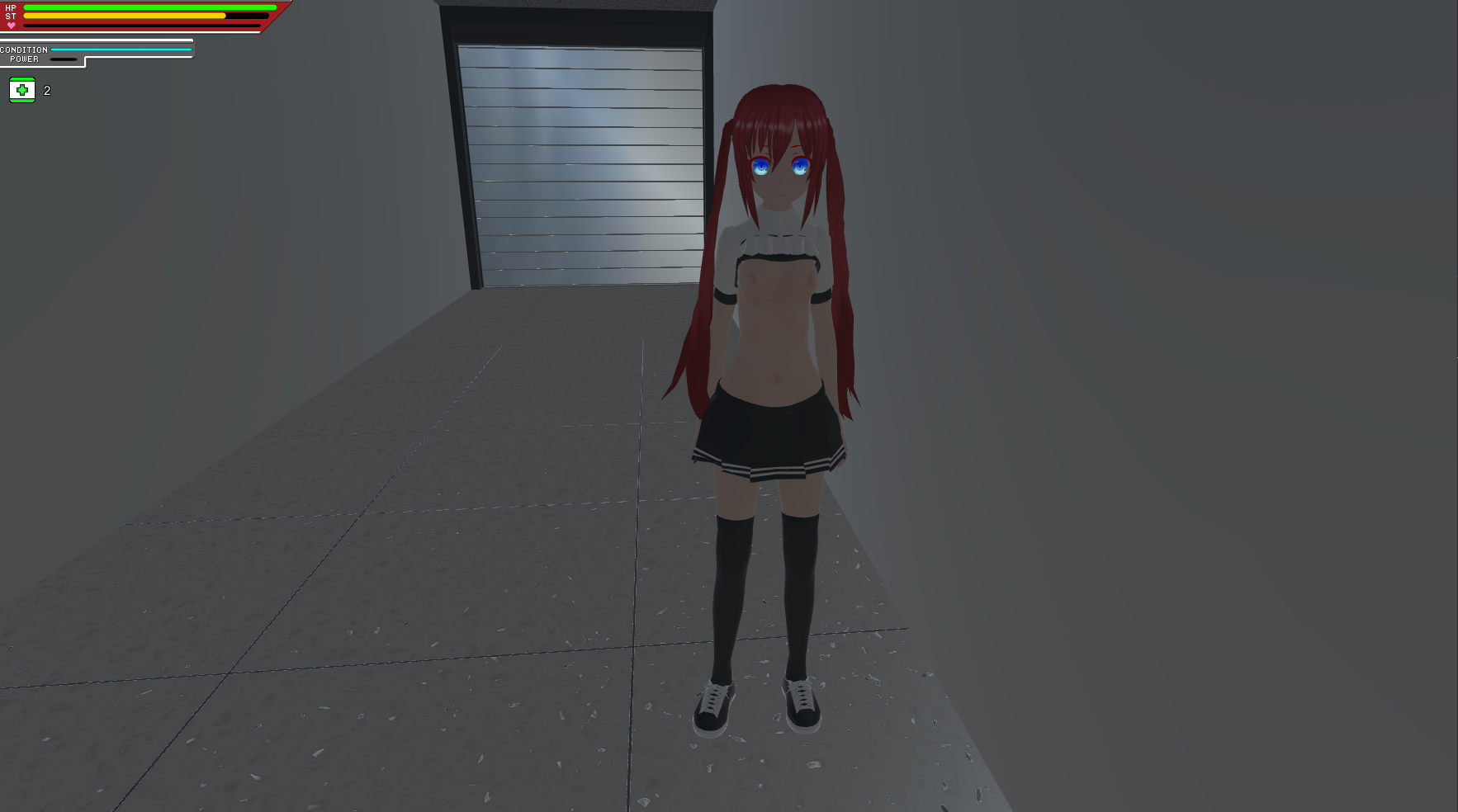
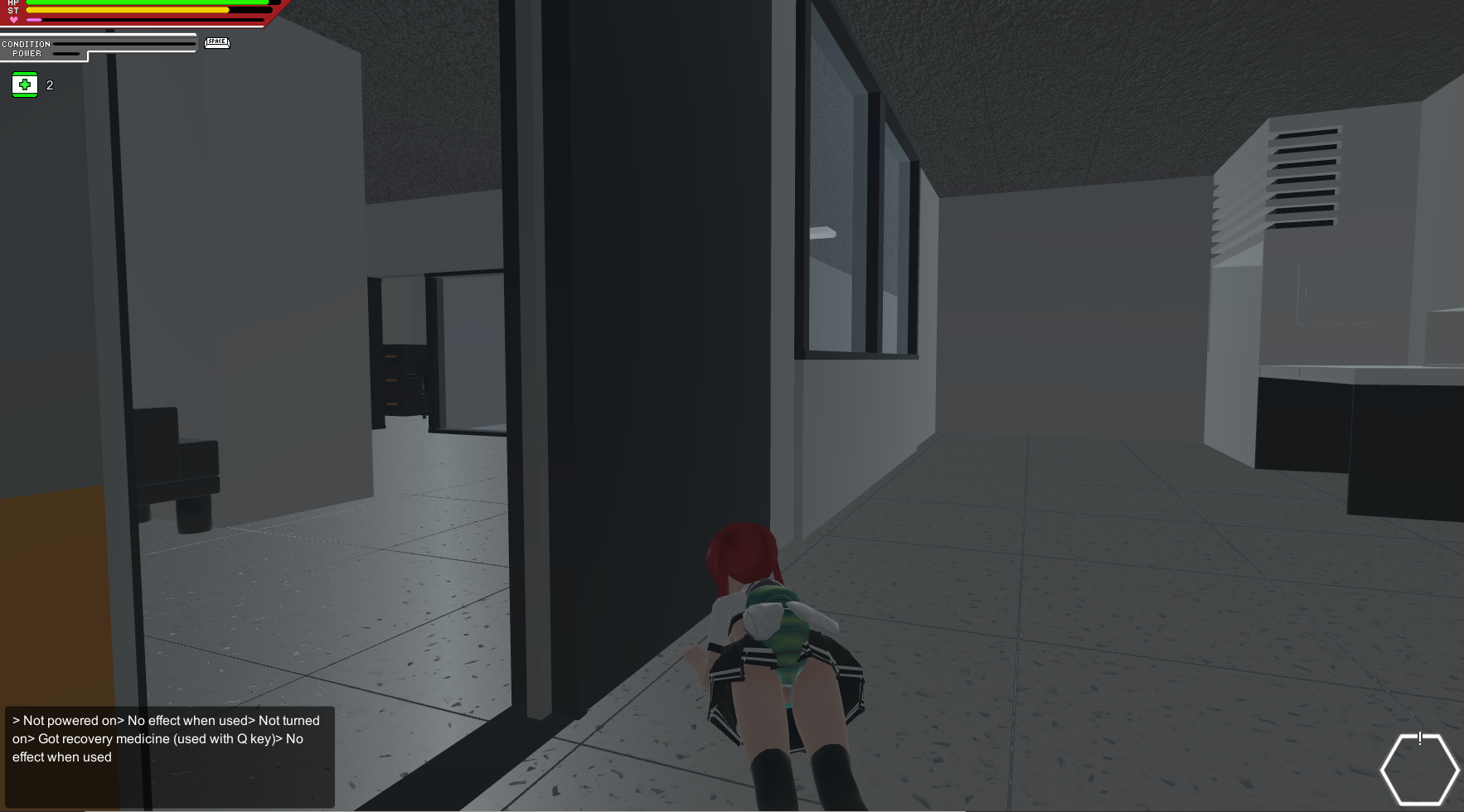

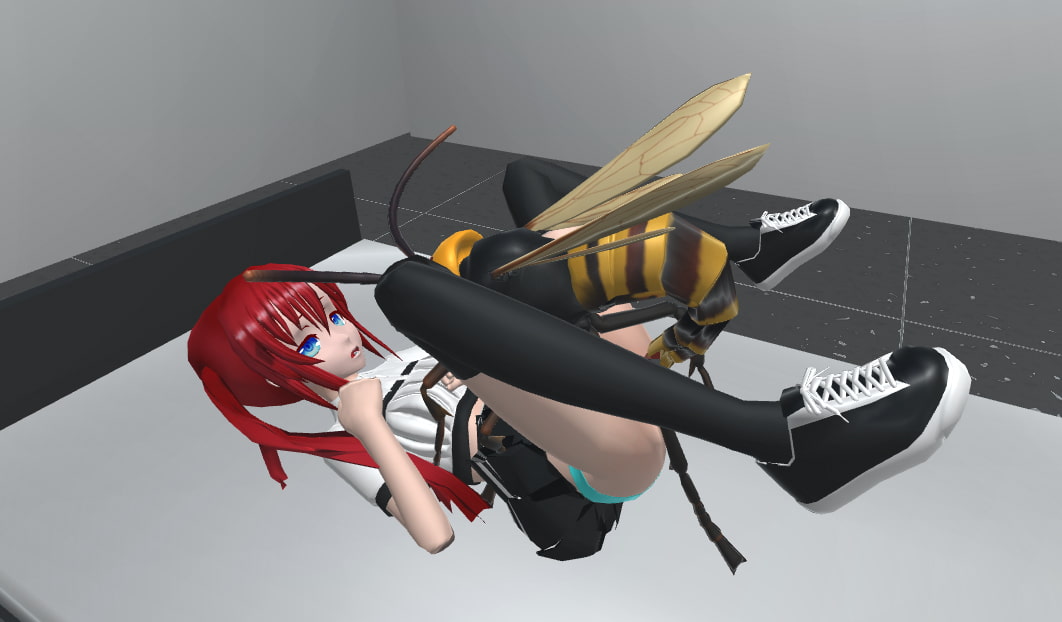
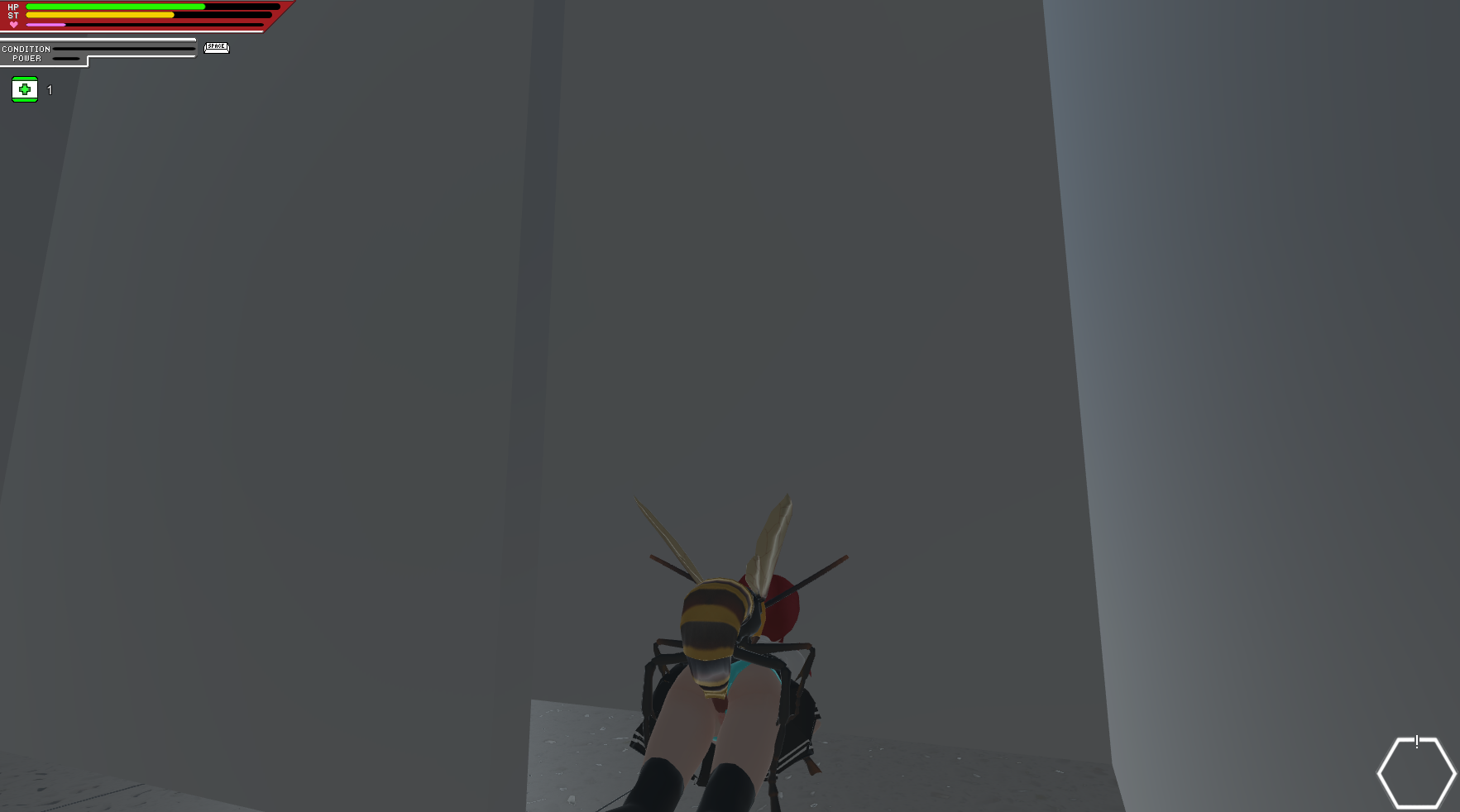
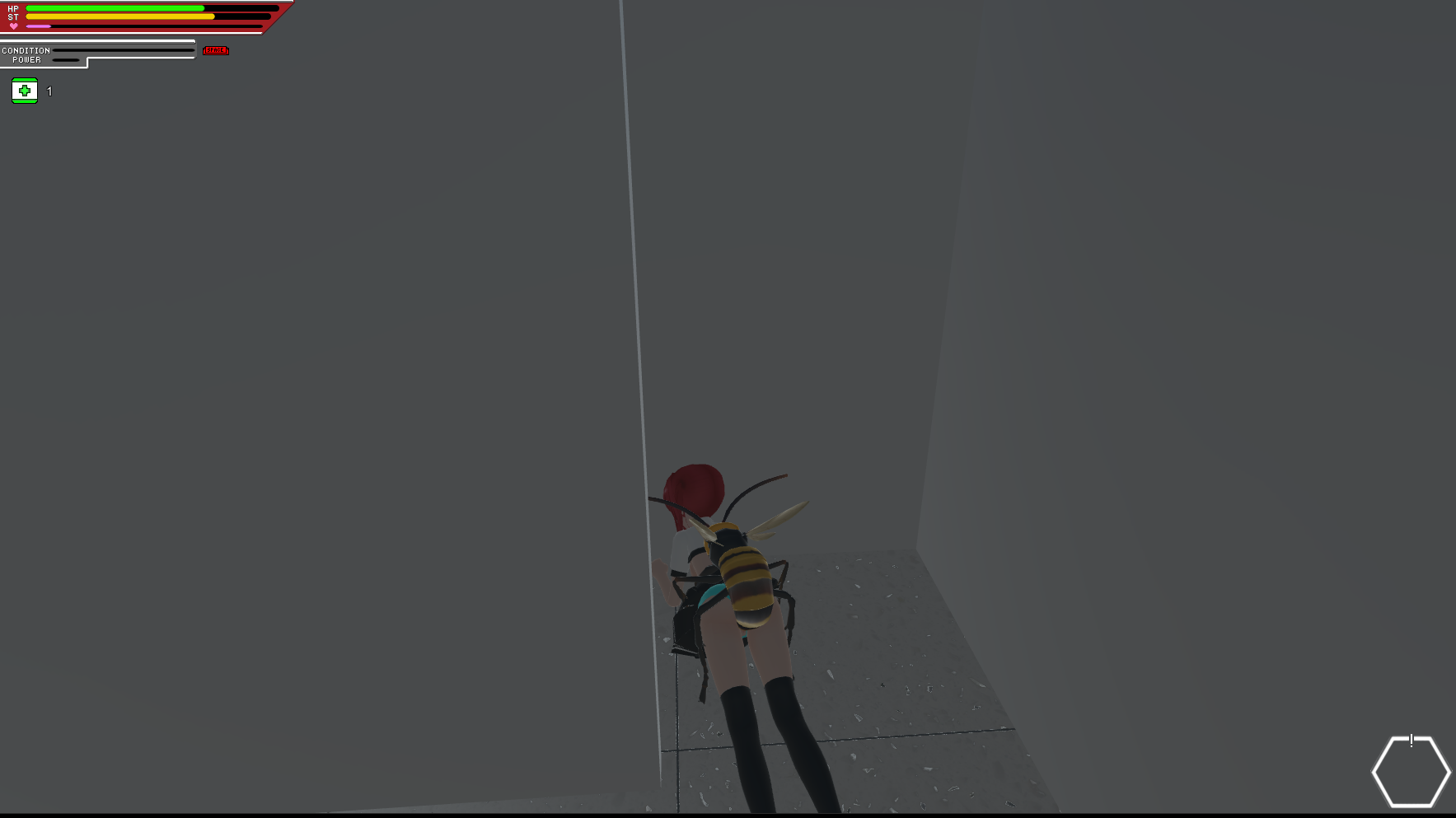
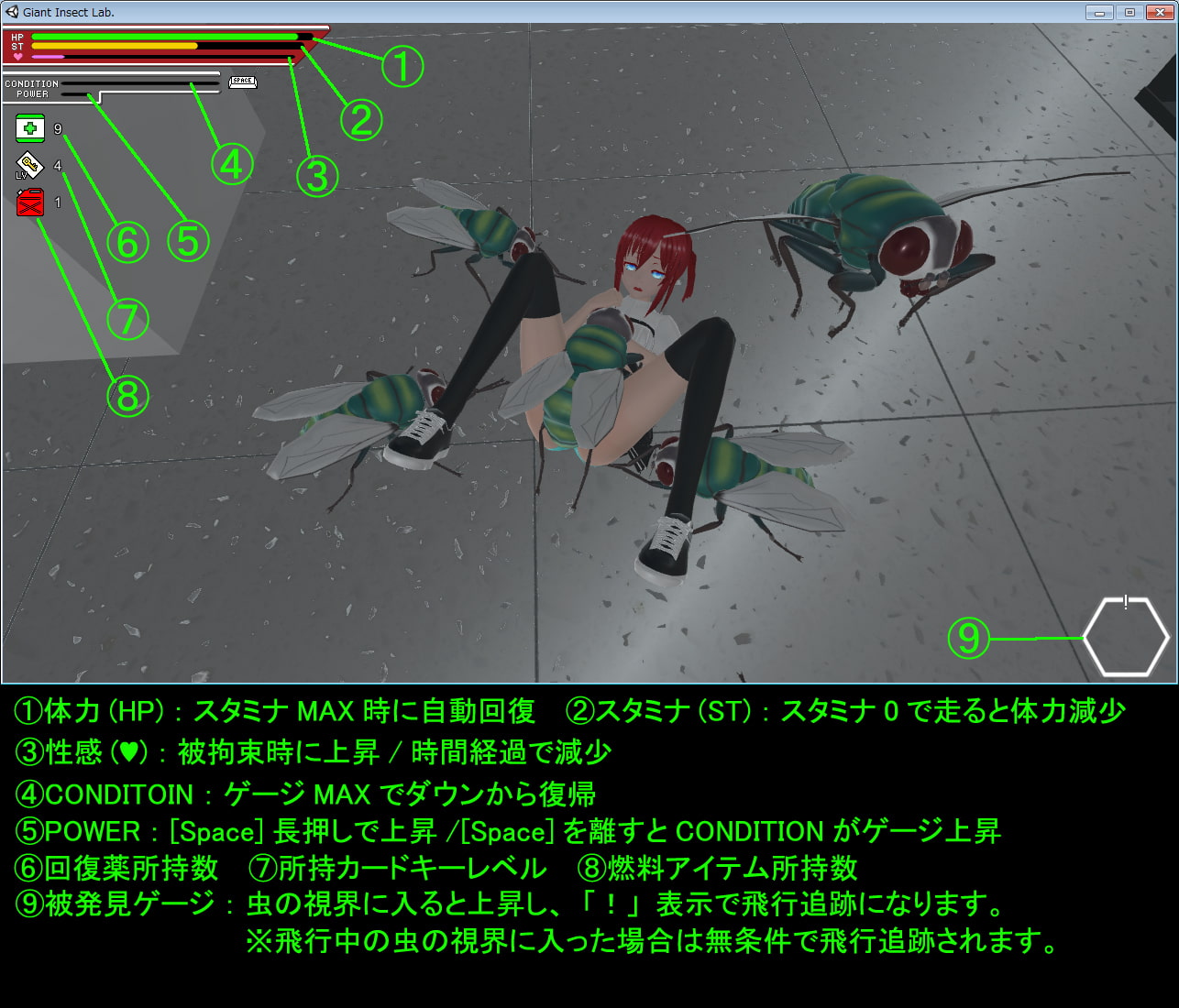


Downloads
Escape_from_the_Giant_Insect_Lab_Ver.1.02-3d2984fc5a.xgames.7z
Related Games
Lint Lucrose -Knight of the Holy Shield- [final] by mashimaru soft
Description:She is the “Platinum Valkyrie,”the “Southern Shining Star,”and the “Knight of the Holy Shield.”The name of this girl is Lint = Fufulpiezza.The glorious battle record of the “Silver Spear,” the fighting force she leads,is an epic of heroism so extraordinary that people speak of it as“a living myth—or perhaps a legend.”Yet the true person behind the heroine who has captivated the publicis a sheltered, childish girl who loves to be pampered.A somewhat unfortunate young lady who will immediately burst into tearswhenever her heart is unexpectedly moved.And yet—Even as tears well in her eyes,she carries an unwavering kindness in her heartand lives each day with earnest determination.Such is this pure-hearted young lady.Last update: 2026-09-30Released: 2017-01-08Original Name: リント・ルクローズ ~聖盾の騎士~Creator (developer): mashimaru softCensored: Yes (Mosaic)Translator:Version: FinalOS: WindowsLanguage: English (AI CG)Store:Genre:2D game, 2DCG, Anal sex, Big ass, Big tits, Censored, Cheating, Fantasy, Female protagonist, Groping, Group sex, Handjob, Japanese Game, Masturbation, Mind control, Monster, Monster girl, Oral sex, Pregnancy, Rape, Rpg, Sandbox, Teasing, Vaginal sex, Virgin,How to install:1. Extract and run.

Divine Sakura Princess, The Proud Shrine Maiden’s Fall [final] by MatsuriHayashi
Description:Long ago, the Sakagami family defeated the leader of the oni and saved Hinomoto. Their descendant, Sakagami Mai, now lives quietly in a secluded, remote region deep in the mountains.In the Land of Isetsu, renowned as the most prosperous nation in Hinomoto, Mai is ordered by the shogun who rules Isetsu to defeat a monster that has been ravaging the capital. Together with her childhood friend Shigure, Mai successfully accomplishes the task.Having completed their great mission, the two enjoy a brief moment of peace.But then, as if to shatter that tranquility, dark clouds suddenly spread across the sky.The leader of the oni, who was supposedly defeated a thousand years ago, has returned. In response to his resurrection, countless oni begin pouring into the town and attacking its people.Mai rushes to the castle to defeat the resurrected Daigoku Dōji…Last update: 2026-09-29Released: 2022-12-06Original Name: 神桜姫~勝気クールな爆乳姫巫女は権力者のマゾ雌オナホ嫁に寝取られ堕ちる~Creator (developer): MatsuriHayashiTranslator:Censored: Yes (Mosaic)Version: FinalOS: WindowsLanguage: English (AI TL)Store:Genre:2DCG, Ahegao, Big ass, Big tits, Censored, Cheating, Creampie, Fantasy, Female protagonist, Groping, Humiliation, Japanese Game, Male protagonist, Monster, Rpg, Sandbox, Teasing, Titfuck, Turn based combat, Vaginal sex,How to install:1. Extract and run.Changelog:(Add changelog here)

Cichlidirus [demo] by fr1da3
Summer break suddenly turns into a total nightmare when the main character gets infected with a mysterious virus called "Cichlidirus." The disease has a highly unusual side effect: it transforms him into a girl. Now, he must continue his studies, hang out with classmates, attend lectures, and pretend that nothing out of the ordinary has happened…Last update: 2026-09-29Released: 2026-09-29Creator (developer):Censored: NoVersion: DemoOS: Windows, LinuxLanguage: EnglishGenre:3DCG, Animated, School setting, Female protagonist, Transformation, Teasing, Oral sex,How to install:1. Extract and run.