

Guild Life Tap! (v1.0.4) by darlton
Hentai games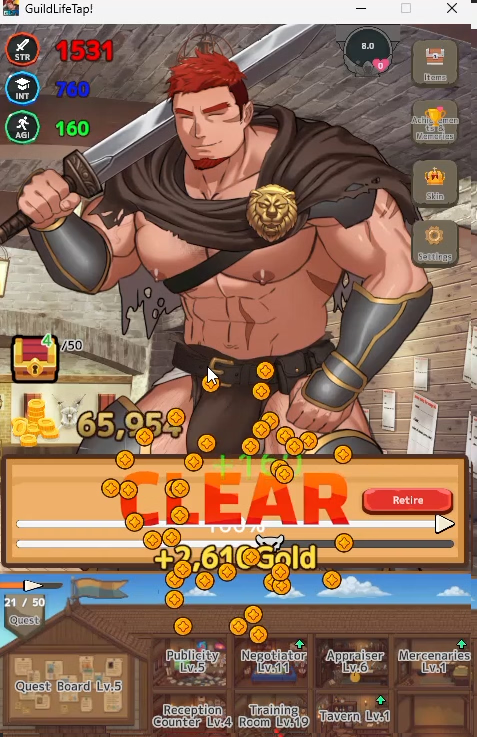
About the game
Description:
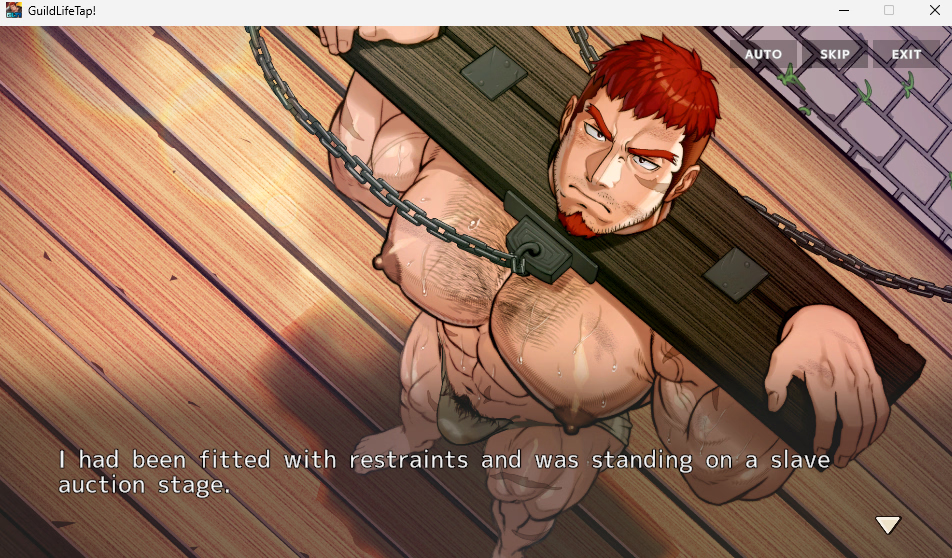
GuildLifeTap! is an adults-only (18+) bara-style gay game featuring muscular men, explicit sexual content, and male/male romance.
It is a solo-developed idle / growth clicker game designed to run casually on your desktop.
The game is lightweight and can be enjoyed in the background while you work, study, browse the web, or play another game.
It does not demand constant attention or take up much of your free time. You can check in whenever you feel like it, make a little progress, and then return to whatever else you were doing.
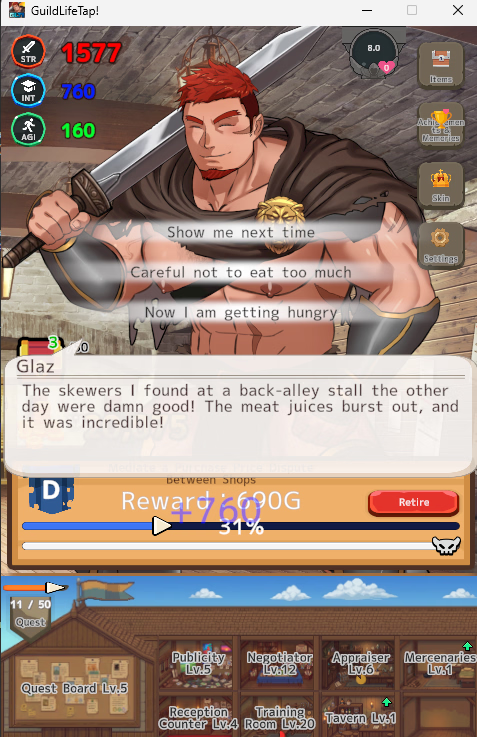
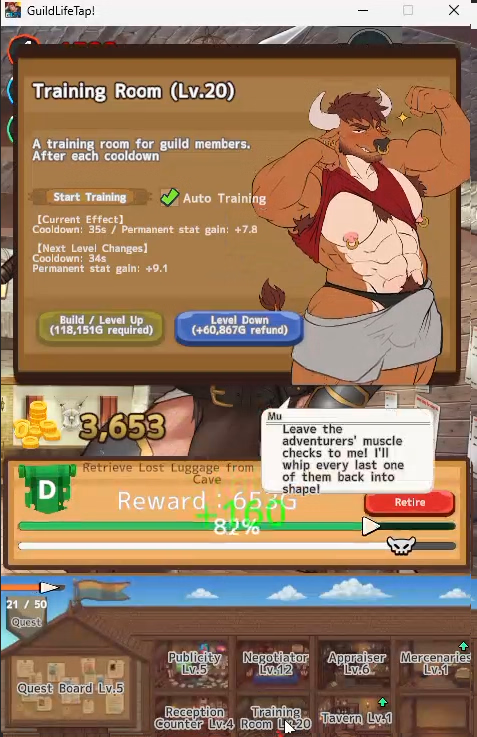
Adventurers complete quests, facilities are upgraded, equipment is collected, and your guild gradually grows over time.
Last update: 2026-07-22
Released: 2026-06-23
Creator (developer): darlton (だーるとん)
Censored: Yes
Version: 1.0.4
OS: Windows
Language: English, Japanese
Store:
Genre:
How to install:
Changelog:
Made it easier to see where quests can be delegated.
Improved the UI of the window showing the number of stocked requests.
The tutorial now plays when this window is opened for the first time.
2. Adjusted Glaz’s Behavior While Aroused
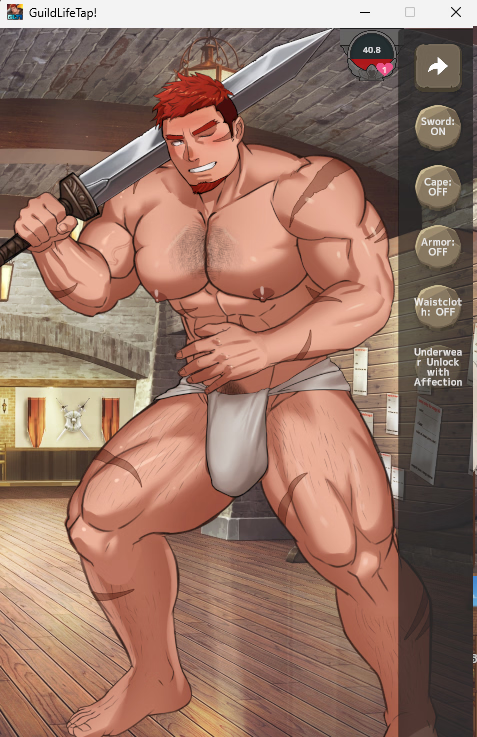
Fine-tuned his reactions and changes when touched in Skin Mode.
3. Extended Facility Character Comment Display Time
Fixed an issue where comments disappeared too quickly to be read.
I am also aware of requests concerning the small text throughout the game and the overall game balance.
Changing the text size would affect a large portion of the game’s UI, so this is currently planned for version 2.0.
Since version 2.0 will also bring major changes to the gameplay, I have decided not to adjust the game balance at this time.
v1.0.3
In Ver.1.0.1–1.0.2, a bug prevented Glaz’s facial expressions from being displayed correctly, leaving him almost completely devoid of emotion.
An issue that prevented his click-reaction motions from playing correctly has also been fixed.
This was a rather tragic bug that cut Glaz’s charm in half. Glaz is supposed to smile, react, blush, and look troubled much more often. Please update the game and enjoy talking to him now that his emotions have returned.
If you are using Ver.1.0.1–1.0.2, please make sure to update to the latest version.
v1.0.2
Fixed a serious issue that caused decimal values to be processed incorrectly under certain system regional settings.
For example, an effect intended to last 0.25 seconds could be interpreted as 25 seconds, causing event transitions and visual effects to take an abnormally long time.
Because the same issue could affect other numerical values, decimal handling has been reviewed and corrected throughout the game, including:
Event fades, screen shakes, waits, and other effect durations
Item and equipment effect values and activation rates
Facility effects and costs
Rewards and selling prices
Decimal displays such as Affection and achievement completion rates
Decimal values should now be loaded and displayed correctly regardless of the PC’s language or regional settings.
v1.0.1
A serious issue has been discovered in certain system environments where decimal points in numerical values are not processed correctly.
For example, an effect that should take 0.25 seconds may instead take 25 seconds to play. This issue may also affect item effects and cause major problems with the game balance.
If the visual effects or transitions behave abnormally during the opening ADV sequence, this bug is affecting your game. If this happens, please stop playing and wait for the corrected version.
Because this is a critical bug, I am currently working on an urgent fix.
Players experiencing unusually long effect durations, incorrect transitions, or abnormal item effects are advised to stop playing until the update is released.
I sincerely apologize for the inconvenience. I will post another announcement as soon as the fix is available.
1. Window Display Improvements
The game window can now be freely resized.
The most recently used window sizes are now saved separately for the main screen and event screen.
When switching between portrait and landscape modes, the previous window size for each mode is automatically restored.
Since the window can now be freely resized, the fixed-size selection options have been removed from the Settings menu.
2. Event Mode
In response to reports that event sequences could run slowly, we added a new FAST feature.
A FAST button has been added to the top of the event screen.
When enabled, the following are played at twice the normal speed: Text display, Fades, WAIT commands, Character animations
3. Shy Glaz
Previously, conversations were unavailable while the character was in a special idle state.
Since suddenly becoming completely unresponsive was a little alarming, the character will now at least react when clicked.
4. Facility Staff Characters
Fixed an issue where repeatedly clicking a facility staff character caused them to gradually ascend into the sky.
The facility staff have lost their ambition and will now remain at their assigned posts.
5. Inconsistent Facility Stat Display
Improved decimal display and data parsing so values are shown correctly regardless of the selected language or the regional settings of the player’s PC.
v1.0.0
Initial Release
Developer Notes:
Save data is stored at the following location:
C:\Users\(User Name)\AppData\LocalLow\da_rllton\GuildLifeTap!\savegame.json
Due to future updates or version changes, older save data may become unusable or incompatible.
Please back up important save data if necessary.
Bug Reports
If you encounter any bugs, please report them through the form below.
This is a solo project, so immediate fixes may not always be possible, but bug reports are greatly appreciated.
English Bug Report Form
For general feedback, requests, or balance feedback, please use the form below.
Multiple submissions from the same person are very welcome.
English Feedback & Requests Form
Screenshots
Downloads
GuildLifeTap_1.0.4-e52e83.xgames.zip
Related Games

MONSTERLAY 2 (2026.10.100) by MonsterLay
Description:MONSTERLAY 2 is an adult 2D side-scrolling beat ’em up set in a dark fantasy world.This free Windows demo supports English, Japanese, and Simplified Chinese and includes 4 monsters.Play as Alex, the male protagonist, and fight your way through stages with attack chains, aerial combos, dodges, and special moves. As you level up, your stats improve and your equipment changes appearance.Adult encounters can begin in two ways:Let the monster take the lead: When Alex is stunned, leave him idle to let the monster initiate an adult encounter. Depending on the monster, 1–2 variations are available.Take the initiative: Approach a stunned monster and press E to open the interaction menu and choose an adult encounterEach character has 4–5 sex scenes, all featuring animation. Scenes include character-specific dialogue, and you can revisit them separately in the gallery.Try the demo and experience the combat and character-specific adult content for yourself.At least 6 new monsters are added to MONSTERLAY 2 every month.Last update: 2026-10-24Released: 2026-10-23Creator (developer): BradCensored: NoVersion: 2026.10.100 DemoOS: WindowsLanguage: English, Japanese, Simplified ChineseOther Games:Genre:ai cg, animated, monster, monster girl, trap, gay, futa/transHow to install:1. Download the Windows demo ZIP.2. Extract the entire archive into a folder.3. Run Monsterlay2.exe. Keep Monsterlay2_Data and the other included files and folders beside the executable.Changelog:2026.10.100 Demo- Fight 4 monsters in the Windows demo, with attack chains, aerial combos, dodges, and special moves.- Experience character-specific animated adult encounters and dialogue.- Revisit adult scenes in the gallery.Developer Notes:ControlsArrow keys — Move1 — Basic attack combo; restore mana on hit2 — Forward straight punch3 — Launcher attack4 — Special moveSpace — Dodge / quick movementE — Interact with a stunned monsterQ — Health potionW — Mana potionEsc — Pause menu

ShortsDrama (v0.1.1) by Blush Arcade
A familiar neighborhood. A few unexpected encounters. Plenty of reasons to come back.ShortsDrama is an anime-style adult visual novel about the stories waiting just around the corner. Follow Alex through everyday life, get to know Yuna, Rina, and Maki, and discover what happens when a passing encounter becomes something more. Short, connected episodes bring together character-focused dialogue, animated adult scenes, and choices during each encounter.Explore the neighborhood, find out when people are around, and decide which story to follow next. At your first meeting, choose the male or female version of each character individually. You can mix the cast to suit your preferences; each choice stays with that playthrough.The free demo includes Yuna, Rina, and Maki, with male and female versions of all three. No Patreon membership is required.Last update: 2026-10-23Released: 2026-10-23Creator (developer): Blush ArcadeCensored: NoVersion: 0.1.1 DemoOS: WindowsLanguage: English, Japanese, Chinese (Simplified)Genre:2DCG, Animated, Male Protagonist, AI CG, TrapHow to install:1. Download ShortsDrama-demo-0.1.1-windows.zip from one of the mirrors below.2. Extract the entire ZIP.3. Open the extracted demo folder and run ShortsDrama.exe.Keep all included files and folders together. No installer is required.The game starts in English. Open Options to change the language.Download size: approximately 2.55 GB.Changelog:v0.1.1 DemoSupported languages: English, Japanese, and Simplified Chinese, including the interface and episode dialogue.The free demo contains four story episodes:- Yuna: Episodes 1 and 2.- Rina: Episode 1.- Maki: Episode 1.All included episodes have male and female versions: eight character-specific episode scripts across both casts.Animated scenes accompany the dialogue, with adjustable playback options and gallery playback.The Patreon v0.1.1 edition includes three episodes each for Yuna, Rina, and Maki: nine story episodes, with 18 character-specific episode scripts across both casts.ShortsDrama is in development. Further updates and previews will be shared when ready.Developer Notes:Start a new game, choose a location on the map, and talk to a character. Use the time-passing button to advance to the next available meeting. Later episodes become available as you complete earlier encounters and the in-game schedule advances. Progress is saved automatically.This is the free demo. The expanded v0.1.1 Windows build is available to Arcade Supporter members on . Your support helps fund further development, and feedback on the game and its translations is welcome.18+ only. All characters are fictional adults.

Fellworld (v0.0.18) by AristidesTheJust
You wake up in a lab you were never meant to leave. Outside, the world has fallen apart: ruins, bandit crews, scavengers, and the creatures that hunt the wastes. Something inside you is unstable too. Survive, and learn the truth about what happened.Fellworld is a text-based survival RPG with turn-based combat, where the people remember you. Every character tracks favour, trust, intimacy and their own personality, so how you treat someone changes how they treat you. Scavenge, fight, hire help, and build relationships, romance included, through your choices.This is an early alpha: expect rough edges, limited content, and placeholder art.Last update: 2026-10-20Released: 2026-10-20Creator (developer): Aristides The JustCensored: NoVersion: 0.0.18OS: WindowsLanguage: EnglishGenre:2DCG , Character Creation , Futa/Trans Protagonist , Male Protagonist, Female Protagonist, Text Based, Dystopian setting, Monster, Turn based combat , Rpg , Anal Sex, Bdsm , Futa/Trans, Gay, Groping, Masturbation, Oral Sex, Spanking , Stripping, Trap, Vaginal sex,How to install:1. Extract the zip to a folder.2. Run Fellworld.exe.Changelog:v0.0.18- First public release.Developer Notes:Fellworld is made by one developer, and this is its first public alpha.What's in 0.0.18:- Paperdoll system- Story intro and a few side quests- About 48 events across 15 locations- 8 characters to meet, with Maya as your first hireling- Radiant quests- Scavenging and loot- Bandits, beasts and monsters to fight- Relationship system with favour, trust, intimacy and personality-A dynamic text based sex system.Bug reports help a lot. Post them here or on Discord: tell me what you were doing, and attach a screenshot if you can.