

Majikoi! Love Me Seriously! A - Special Edition
Hentai games
About the game
ONLY contains translated files for A-1, A-2, A-3 and A-4 Visual Novels
A-2: A fandisc featuring routes for Seiso and Cookie 4 IS, as well as an after story for Monshiro.
A-3: A fandisc featuring routes for Lee and Stacy, as well as an after story for Tsubame.
A-4: A fandisc featuring routes for Homura and Lin.
A-5: A fandisc featuring routes for Yoshitsune and Takae, as well as an after story for Margit. (Not Translated)
Released: Japanese 2016-12-22, English 2021-08-10
Original Title: Japanese - 真剣で私に恋しなさい!A 特装版, English - Maji de Watashi ni Koishinasai! A - Special Edition
Creator (developer): Minato Soft
Translator: Maji Translations
Censored: Yes (Mosaic)
Version: A1 - A4
OS: Windows
Language: English
Voices: Japanese
Length: Very Long (50+ hours)
VNDB:
Prequel:
Store: Minato Soft
Genre:
How to install:
2. Set your System Locale to Japanese
3. To play A-1, double click on まじこいA-1.exe
4. To play A-2, double click on まじこいA-2.exe
5. To play A-3, double click on まじこいA-3.exe
6. To play A-4, double click on まじこいA-4.exe
Important Info:
Screenshots

































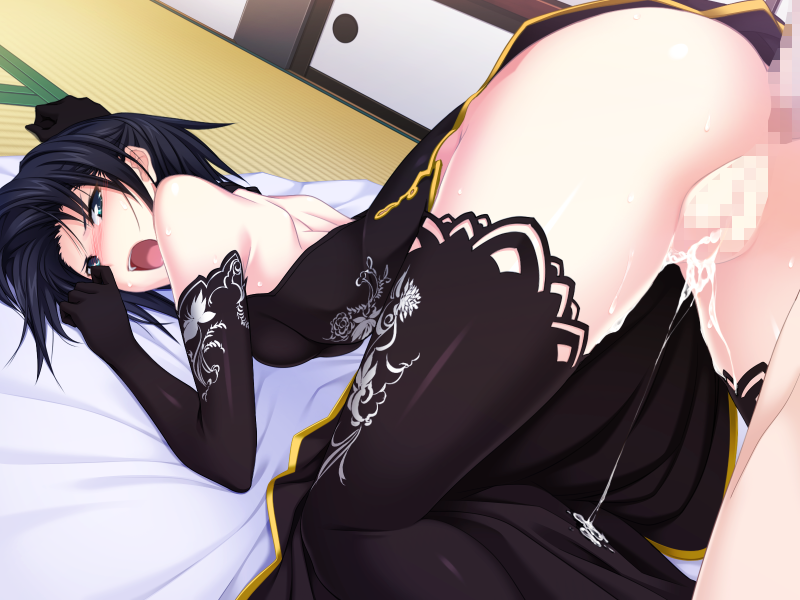




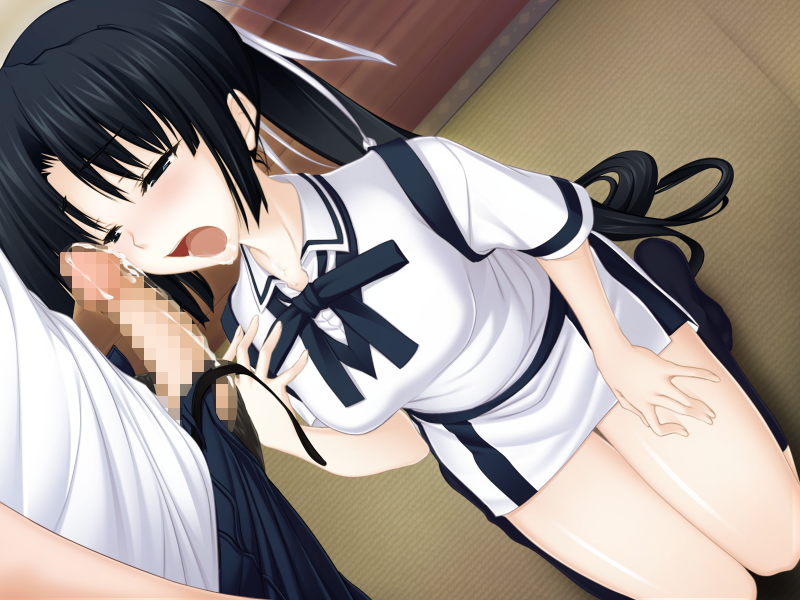

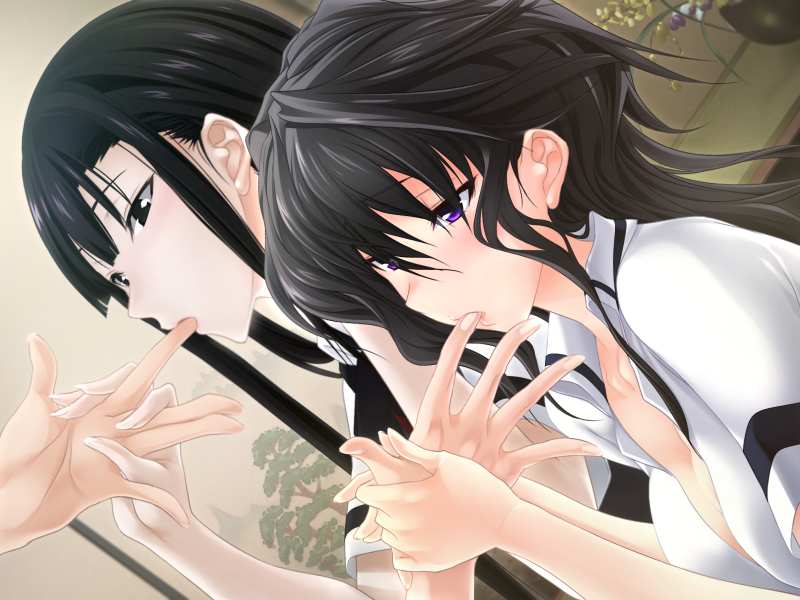

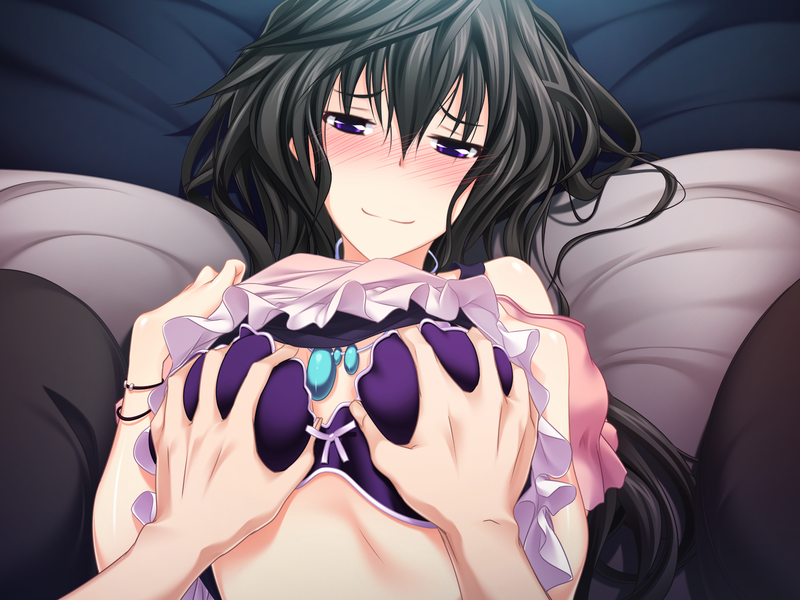
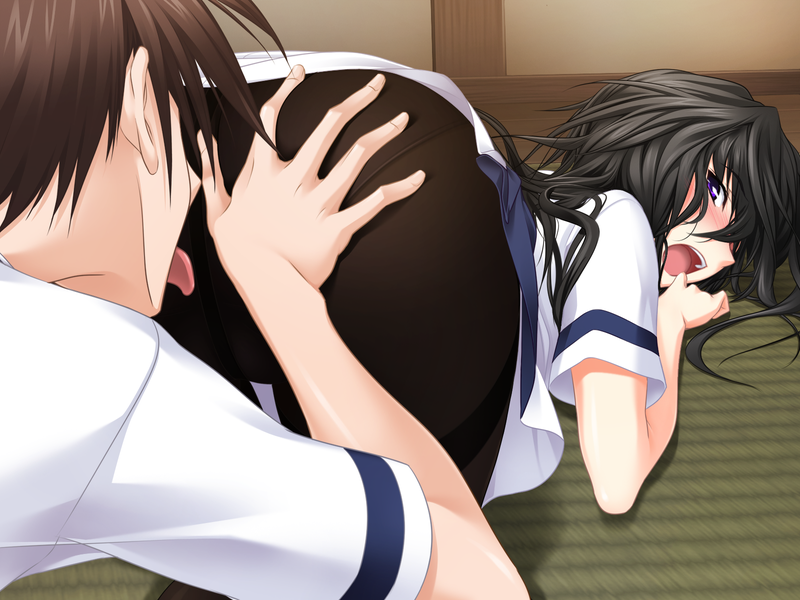






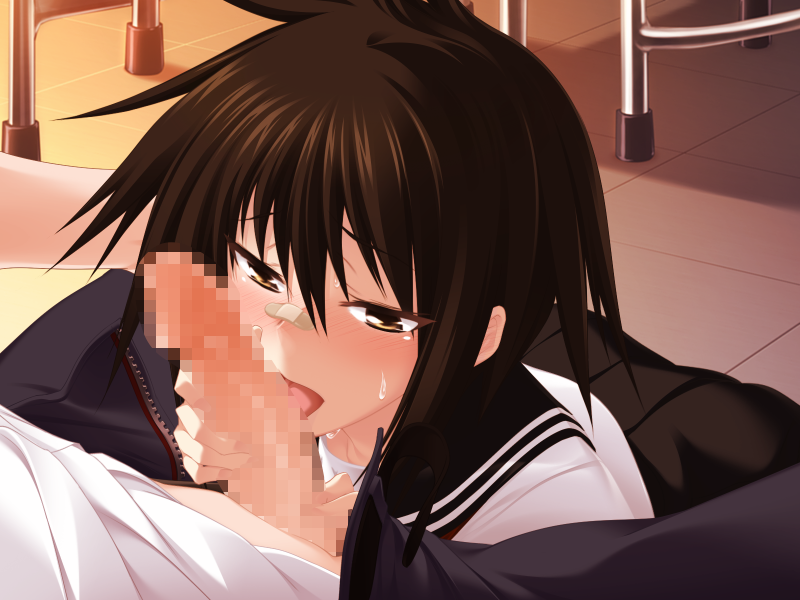
Downloads
Maji_de_Watashi_ni_Koishinasai!_A_-_Special_Edition-3d29815771.xgames.7z
Related Games

Life with a Stray CAT Girl Sweet Days
Description:You spend your days commuting between work and a cramped apartment, living a stagnant, uneventful life. It’s the first summer of your working life when, caught in the rain beneath the eaves of a pet shop, you accidentally meet Miyu, a lonely and affectionate girl who decides to ask you to take her in. Cohabitation ensues.Last update: 2026-10-07Released: 2026-06-20Original Name: 野良猫少女との生活 CAT Girl Sweet Days / 野良猫少女との生活 CAT Girl Sweet Days【全えっち解放DLC】Aliases: Noraneko Shōjo to no Seikatsu: CAT Girl Sweet DaysCreator (developer): Neko Project (kari) (猫project(仮))Translator:Censored: Yes (Mosaics)Version: 2.01 + DLCOS: WindowsLanguage: English (AI TL)Voice: JapaneseStore:Genre:2DCG, Big Ass, Big Tits, Censored, Cosplay, Creampie, Dating Sim, Footjob, Groping, Handjob, Japanese Game, Male Protagonist, Multiple Endings, Oral Sex, PoV, Romance, Simulator, Teasing, Titfuck, Vaginal sex, VoicedHow to install:1. Extract and run.Changelog:v2.01Content Adjustments - voice acting!In response to requests for "portable Miyu" — on the go, in the futon, "Miyu anywhere" — the thick erotic scenes added in VER 2.0 have been given full voice acting!Keeping the same situations:Script → newly rewrittenVoice → newly recordedImage visuals → newly drawn by Mr./Ms. Narushima KannaContent VolumeIncluded in item 4 of "Bonus ♪"Total voice: 76 min 50 sec#OutfitDescriptionTime01Cow Girl (voluptuous)To a pervert Onii-chan...1:4902Cow Girl (voluptuous)Pressing her big breasts against you...3:3803Cow Girl (voluptuous)Paizuri with milking ♪11:2604Cow Girl (voluptuous)Riding on top, kissing, being clingy...3:4805Cow Girl (voluptuous)It just leads to penetration12:1006Crotch-Show White Skirt SwimsuitGetting shy...0:3207Crotch-Show White Skirt SwimsuitCuddling up and rubbing on an over-aroused Onii-chan, by hand...9:3408Crotch-Show White Skirt SwimsuitPlease lick from above ♪3:0909Crotch-Show White Skirt SwimsuitYou can't hold back those hip movements anymore, huh ♪5:5310Coffee Shop Special Service ♪Responding to your request!2:0211Coffee Shop Special Service ♪Pants might be showing? Foot sex...11:2612Coffee Shop Special Service ♪"Erections are forbidden ♪" friction sex...5:1713Coffee Shop Special Service ♪If you get that erect, I might accidentally penetrate you, you know?6:14※ The content is completely identical to the voice version that is on sale.This time it's purely a bonus element that doesn't affect the main game, so there is no change to the main game's price.Please continue to look forward to Miyu's future ♪v2.0Adjustments1. The title screen has been changed. The BGM is new too ♪ Please listen to the new BGM all the way through (or even more than twice) ♪2. 3 erotic scenes have been added to ""!3. Additional voice recordings have been made ♪ Everyday conversations with Miyu during "" have increased!4. A "Bonus" folder has been added to the main game folder.It contains "Past Visuals" and "BGM" — evolved versions of the old loading boards ♪Other minor animation adjustments have also been made bit by bit ♪3 New Erotic Scenes (each now tied to 1 outfit and 2 positions, making them longer and more intense)Coffee Shop Girl: A special service from a high-school-aged coffee shop girl — the under-skirt peek and foot sex you've always wanted to see.On top of Onii-chan's stomach, a special live performance just for you ♪Cow Girl: A high-school-aged cow girl's luscious paizuri, getting milked — a thick, clingy, intimate scene.White Skirt: Did you really want to see that part of your butt that badly?A white-skirt girl shows you a crotch close-up, and you can't help yourself... Meta Note: Save Data Etc."Save data from previous versions cannot be used."v1.15New ContentA bunny...-san? has appeared at the shop! And... na...! What is this?! This lewd swimsuit (?!).Uh, why are you holding a massager with that face on?!Ugh... n-no... I knew it, Onii-chan is a pervert after all...!AdjustmentsAdditional voice recordings have been added ♪→ Some main storyline dialogue has been changed and expanded!→ Everyday conversations with Miyu during "________" have increased!→ New items & outfits have been added!→ Check out the shop on your way home ♪→ UI text and other expressions have been made sweeter!→ Other minor animation adjustments have also been made bit by bit.6 New Erotic ScenesLewd bunny girl — beast-mode sex with zero inhibition, a deep kiss between the cock and cervix, porchio grinding → massive internal ejaculation and simultaneous climax.Bunny girl's crotch-pressing friction sex ending in ejaculation, post-ejaculation face-sitting on the semen-covered cock. A raging beast's vicious cock deep-kisses the cervix, lustful moaning climax, bestial copulation.Dangerous swimsuit — full erection, ass-piercing sex with the swimsuit digging in, ejaculation, re-erection from a begging ass-piercing, internal ejaculation into a shame-climaxing, extremely lewd uterus.The dangerous swimsuit's counterattack. Reverse rape — nipple sensitivity development, instant penetration turning her into a fleshy dilator. Dick teasing + verbal teasing + cervix-sucking forced ejaculation."Nchu nchu" onahole (pussy) sex, breathy whispers at the ear with sticky verbal teasing guiding ejaculation, forced ejaculation.First time with an electric vibrator — "Weak" setting through her panties, the spreading stain and climax, then "Medium" vibration pressed directly onto her just-climaxed sensitive vagina for consecutive climaxes, on her twitching, milky-foaming vulva, "Strong / Max" vibration echoing from inside the vagina all the way to the uterus, a "Voooh" forced consecutive climax ending in a squirt-induced blackout.Content Volume2 outfits2 adult goods6 erotic versions (37 min 30 sec of voice)29 conversations (33 min 17 sec of voice)v1.10New Features In addition to dialogue, "groaning sounds" and "licking sounds" have been added ///→ In certain H scenes, breathing and groaning sounds will play separately from dialogue voice.→ Licking, slurping, and smacking sounds have been added.※ Each can be adjusted via Settings → Config → Sound Settings under "BGV" and "Licking Sounds."AdjustmentsDialogue voice now plays to the end during auto-advance! (Important)Several everyday conversation scenes have had their presentation tweaked, with more variety in facial expressions.Other bug fixes.Meta Note: About Groaning SoundsDuring groaning, dialogue takes playback priority. Clicking while dialogue is playing will skip the dialogue voice and resume the groaning.If save data from an older version still exists, the volume for the new "Licking Sounds" and "Ambient SE" settings may default to "0." Please adjust them to your preference in Settings → Config.Developer Notes:A sweet cohabitation life simulation game between you and a girl, brought to life with "realistic binaural audio recorded on the KU100."【Headphones or earbuds recommended for the best experience!】▼▼▼ Immersive voice samples now available on chobit! ▼▼▼Playing with headphones or earbuds lets you feel the sweet, private cohabitation life between you and Miyu — recorded in binaural audio — even closer, more vivid, and more realistic.◆◆ Over 500 minutes of main story voice acting! ◆◆Binaural recording using the high-performance KU100 microphone.Immersive 3D sound brings your cohabitation life with a girl to life!Across the desk, sitting right next to you, whispering into your ear in bed as you lie side by side……Miyu's little devil voice teases you with sweet, naughty whispers!◆◆ All-original BGM — beautiful sound that paints the sweet cohabitation life with a girl ◆◆Original BGM enhances the encounter with a stray cat girl, the sweet cohabitation life, and the memories you build together — coloring those irreplaceable days.The daily grind: work, home, the commute in between.A lifeless routine, contained within a dark, cold apartment room.Yet another sweltering summer as a working adult.Caught in a sudden evening downpour under the eaves of a pet shop,you happen to meet a stray cat girl."Um… big brother…"The girl's gaze darts around, and then, as if steeling herself, she speaks."…Would you take me in?"A sudden runaway — a JK (high school girl) named Miyu moves in with you.Chatting together, sharing meals, bathing side by side…… and more.A cohabitation life with a girl who's great at being clingy.Linked Dialogue System — as conversations build, the distance between you closes. Each conversation branches into the next!Under one roof, a desire you can't hold back — 30+ H scenes!Miyu is truly right beside you — fully recorded in binaural audio!The sweet, loving days spent with Miyu, a lonely little devil JK.Before you know it, that sweltering summer — the one you'd started to believe would last forever — has passed.And by then, the bond between you and the stray cat girl is……Miyu (みゆ)CV: Suzuhana MinaseB92 / W60 / H87A current high school girl who ran away from home over a certain incident.Her parents both work long hours and earn high incomes,but they've shown little interest in their child — raising her in a way that borders on neglect from a young age.As a result, she constantly harbors a desire to "be spoiled" and "to be needed by someone."On the other hand, she has few friends she can truly open up to, and struggles to be honest about her feelings.She appears to attend a prestigious all-girls school in her hometown.In the reckless impulse of adolescence, she was trying to sell her body in exchange for a night's shelter —until you step in and take her in.With a cat-like capriciousness and a little devil's mischievous spirit, she keeps you entertained,teasing you, and sometimes soothing you.Binaural voice acting recorded on the KU100 brings a wide variety of intimate, erotic scenes to life…! ■ Trigger Talk & Linked TalkFrom the conversation that triggered the interaction, the dialogue links on to the next topic.Favorite foods, subjects she struggles with, games she's good at,memories from school, and so much more……Enjoy a wide variety of conversations with Miyu.■ ProfileThe conversations you build through your life together.Miyu's preferences, as they come to light,fill in like the pages of an album.Learn more and more about this lonely, clingy girl. ■ Affection GaugeA gauge that represents the nature of your relationship — affection, romance, lust……Will you enjoy a sweet, loving life as a couple?Or will you plunge into days consumed purely by passion?The kind of relationship Miyu wants to build with you is…… up to you.■ ShopThere are three types of shops you can stop by on your way home from work.The Sweets Specialty Store has the kinds of sweets a girl would love, the Cosplay Shop has niche costumes,and the Adult Shop has naughty toys. Bring back a souvenir, and maybe Miyu will be thrilled……?Original Art: K-ko (K子 様)Voice: Suzuhana Minase (涼花みなせ 様)Scenario: Amaniusu Yuiko (甘兎ユイコ 様)Production: Neko Project (ka) (猫project(仮))For bug reports, feedback, or comments, please DM us.Original main story BGM is now available:
H & Maid & My Home (v2.0) by Jungrete Concle
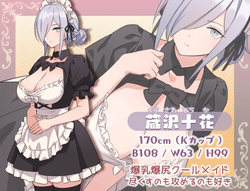
A huge, cluttered mansion inherited from his wealthy father.Elite maid Toka Kurasawa arrives to help out.Furthermore, his childhood friend Maya and new maid Nagomi join him, and a harem life surrounded by three maids begins…Last update: 2026-10-06Released: 2023-09-22Original Name: HとメイドとマイホームCreator (developer): Jungrete ConcleTranslator:Censored: Yes (Mosaics)Version: 2.0OS: WindowsLanguage: English ()Store:Prequel:Genre:2D Game, 2dcg, Male Protagonist, Censored, Japanese Game, Multiples Endings, Big Ass, Big Tits, Creampie, Animated, Groping, Harem, Footjob, Group Sex, Masturbation, Oral Sex, Titfuck, Vaginal, Teasing, RPG, Simulator, Puzzle, SandboxHow to install:1. Extract and run.Translator Notes:If you enjoy the game, please consider supporting them directly by buying the game and follow them on their socials for more upcoming games.DLSite:X (twitter):Fanza:
The Lewd Adventure of the Clumsy Witch Seris ~Cursed with a Body That Craves Semen~ (v1.05) by Acerola
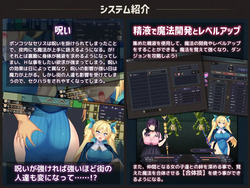
Description:The protagonist, Seris Kleinert, is on a journey to become a respectable mage. Both of her parents were renowned archmages, but unlike them, the clumsy Seris has always struggled to wield magic effectively.Peace has recently returned to the world following the Demon Lord's defeat, yet monster attacks remain frequent. Seris spends each day taking on extermination requests and honing her magical craft.During her training journey, she catches wind of frequent mischievous pranks in a certain town. Investigating the cause, she crosses paths with Talia, a girl who proclaims herself to be the Demon Lord's daughter.Taking a liking to Seris, Talia casts a curse on her, declaring: "Thou art an amusing woman!"Enraged, Seris unleashes a spell—only for both of them to be astonished as magic of unprecedented power erupts from her hands. Putting on a smug face, Talia explains:"I cast a curse that slightly alters the flow of thy mana! Seeing as thou wert rather clumsy at mana manipulation! However, there is a side effect!"The side effect was something utterly unbelievable: both herself and those around her would be overcome with uncontrollable lust. Yet upon hearing this, Seris immediately feels an overwhelming surge of arousal.Right at that moment, an adventurer happens to pass by. Seeing Seris, he begins breathing heavily in intense heat. Seris is similarly overwhelmed with lust, draining his essence and swallowing his semen. Instantaneously, her burning desire subsides—revealing the shocking truth that her body has now been altered to crave semen to stay sane.Seris begs Talia to lift the curse, but Talia questions: "Is staying as thou art truly so bad?"After hesitating, the easily embarrassed Seris still insists on having it dispelled. Talia agrees, but reveals that she left the catalyst needed to break the curse back at her family home—meaning they will have to venture all the way to the Demon Lord's castle to retrieve it."I am not at full strength either, and thou art far too weak as thou art now. 'Twould be wisest to establish a base in a nearby town and challenge it once we have grown stronger."Taking Talia's advice, Seris spends the last of her savings to lodge at an inn in the nearby bustling town of "Tuberose." However, Tuberose imposes a steep residency tax exclusively on adventurers. Penniless, Seris must earn money to survive. Thus begins her life taking on jobs around town while adventuring, growing stronger, and researching magic.Despite facing constant sexual harassment due to her curse, her grand adventure to break the curse begins now――.Last update: 2026-10-06Released: 2026-10-02Original Title: ポンコツ魔法使いセリスのHな冒険記 ~Hな呪いで精液を求める身体になった魔法使い~Creator (developer): AcerolaTranslator:Censored: Yes (Mosaics)Version: 1.05OS: WindowsLanguage: English ()Store:Other Games:Genre:2D Game, 2DCG, Censored, Japanese Game, Female Protagonist, Multiple Endings, Voiced, Anal Sex, Ahegao, Bestiality, Bukkake, Big Tits, Corruption, Creampie, Exhibitionism, Footjob, Group sex, Groping, Handjob, Lactation, Male Domination, Masturbation, Multiple Penetration, Oral Sex, Pregnancy, Prostitution, Rape, Sex Toys, Sexual Harassment, Sleep Sex, Tentacles, Teasing, Titfuck, Vaginal sex, Virgin, Adventure, Combat, Fantasy, Monster, Paranormal, Rpg, Turn based combatHow to install:1. Extract and runChangelog:――ver1.05――――・Fixed night-part recovery when sleeping in bed and letting time pass.・Added an "About Companions" entry to the help menu.・Fixed the H status screen artwork.・Fixed a bug where Suppress could not be used.――ver1.04――――・Fixed the behavior of required semen essence upon leveling up.・Adjusted message window opacity during standing art display to match H-scenes.・Adjusted select visual effects and scene staging.――ver1.03――――・Fixed partner names overflowing the dialogue box in H-scenes.・Fixed an issue where the dungeon would become empty after defeat against the Demon Lord's retainers.・Fixed lingering dialogue window issues after skipping dialogue (opening the menu now clears any lingering windows).――ver1.02――――・Fixed unintended behavior with enemy status ailment attacks.・Fixed level-up behavior using semen essence.・Adjusted event presentation for the milk stand part-time job.・Fixed event behavior for soapland / massage parlor scenes.・Fixed harvested materials not displaying in the item inventory upon pickup.・Fixed corrupted / garbled text characters.――ver1.01――――・Adjusted select visual effects and scene staging.Required: Patch the game with the latest fixes/changes by running GameUpdate in the game folder or by manually patching: