

My AI Girlfriend Is Cheating on Me (v1.0.3) by Dynamics Lab
2D games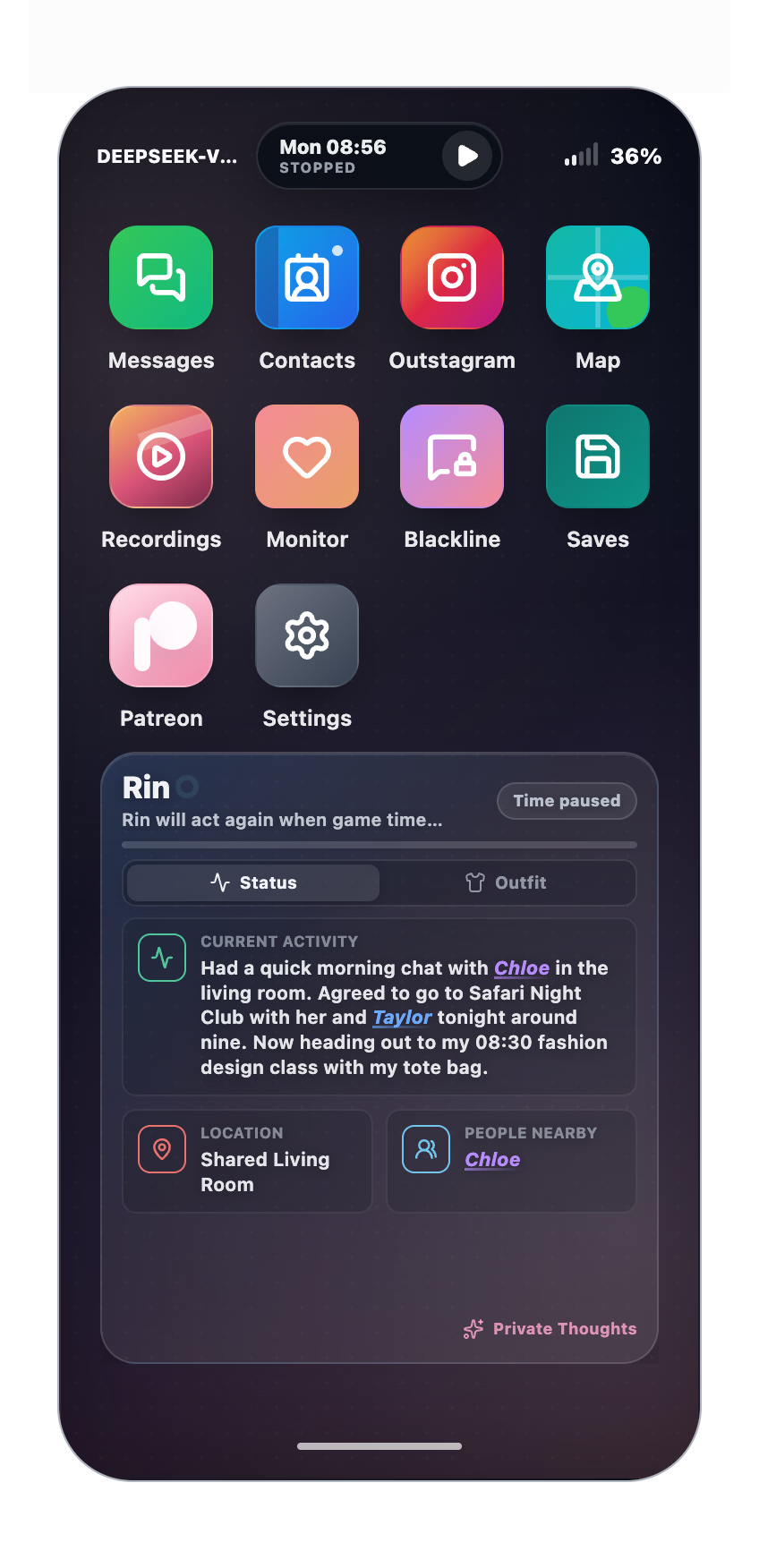
About the game
As it turns out, LLMs and Netorare make a dangerously good combination.
You are Alex, a PhD student living overseas while your girlfriend remains behind. Before leaving, you secretly compromised her phone.
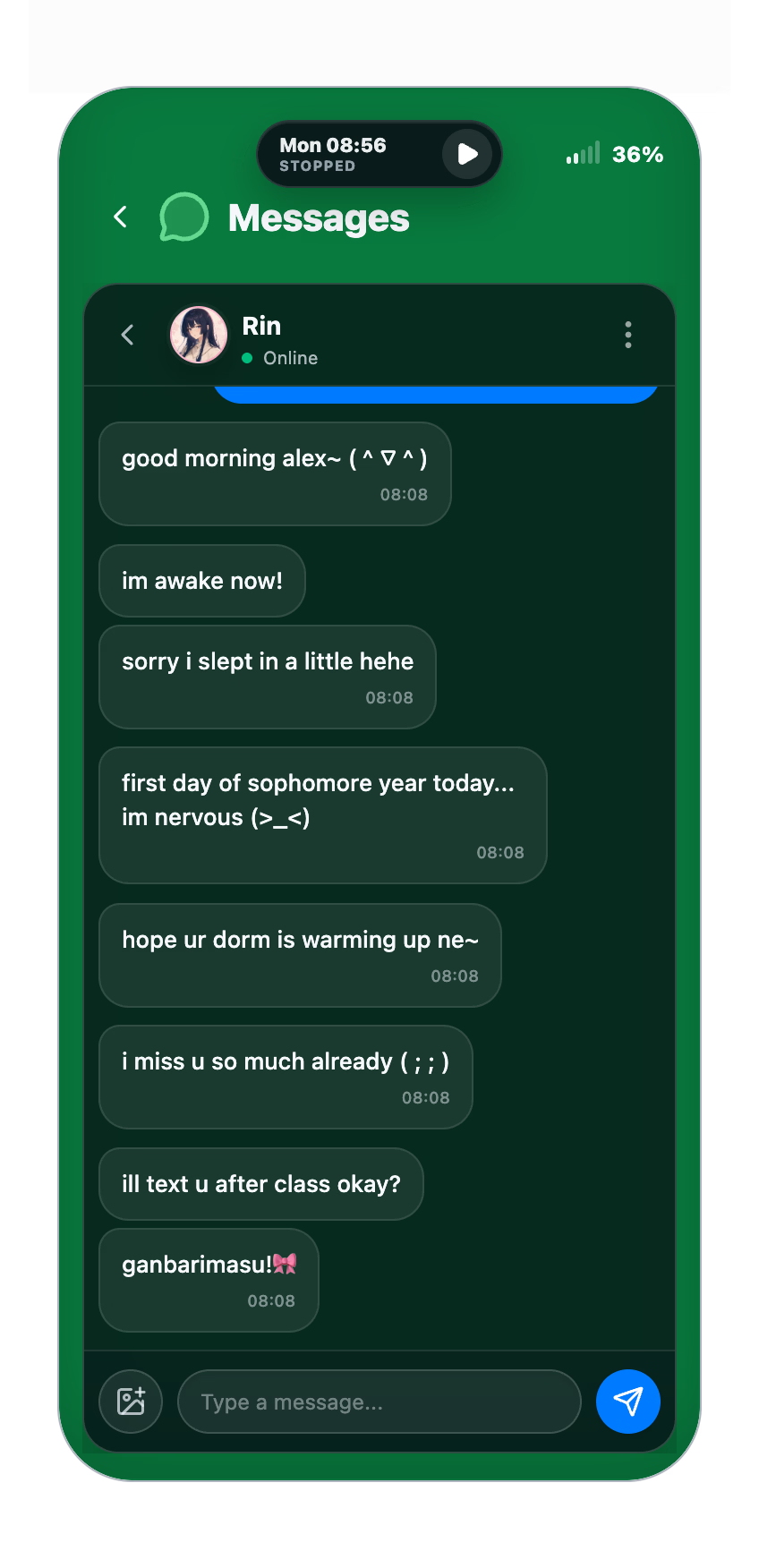
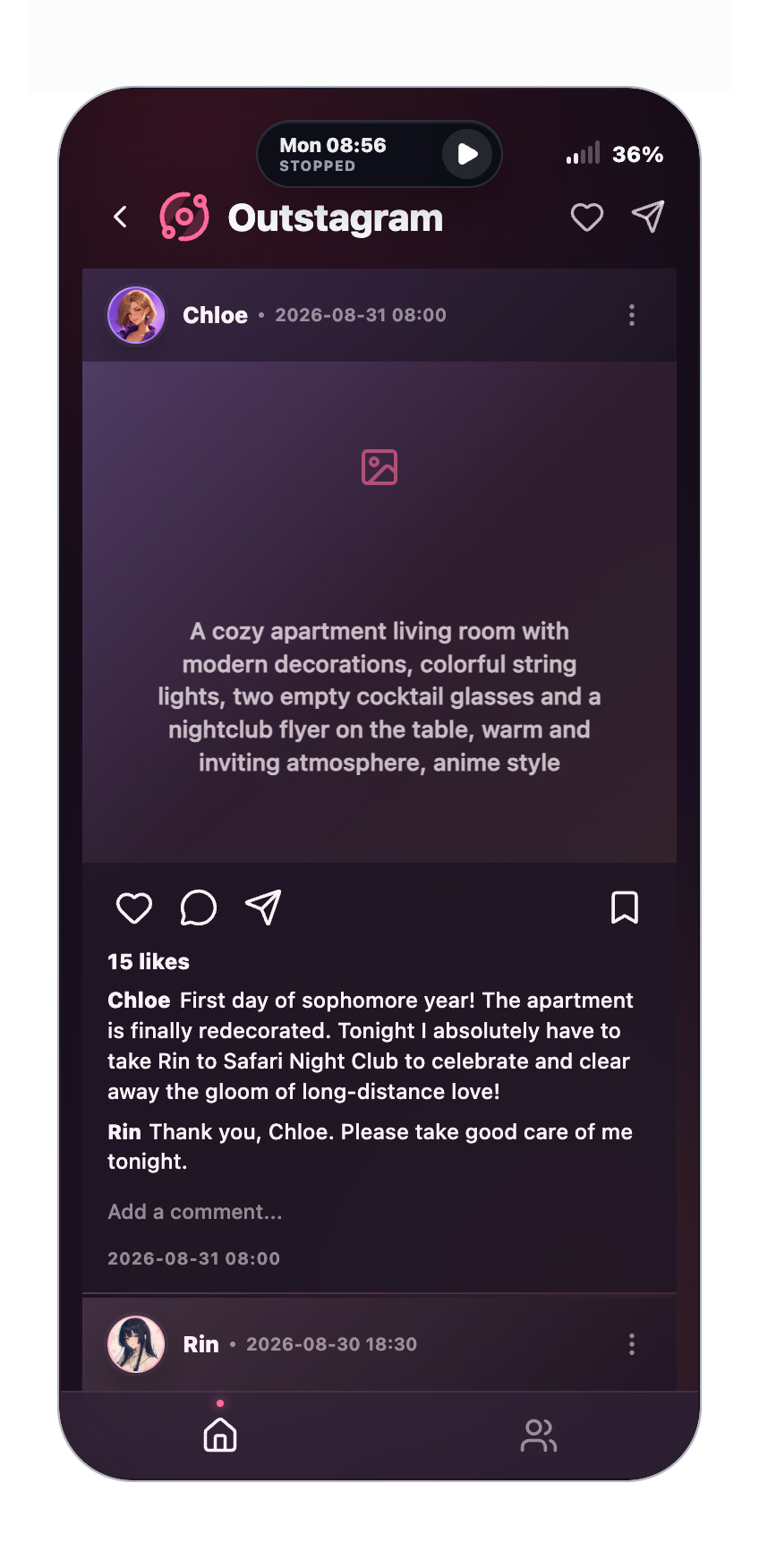
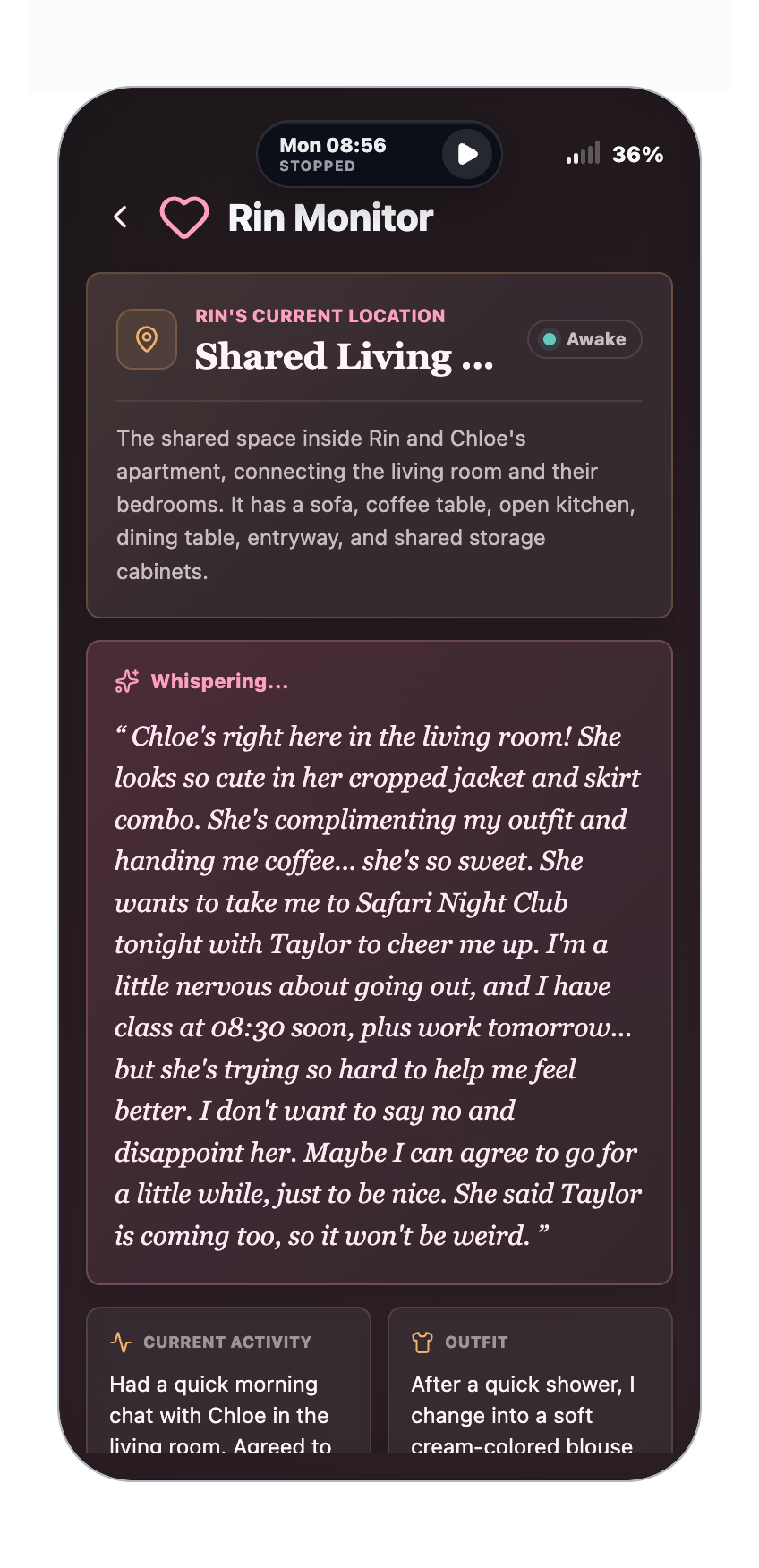
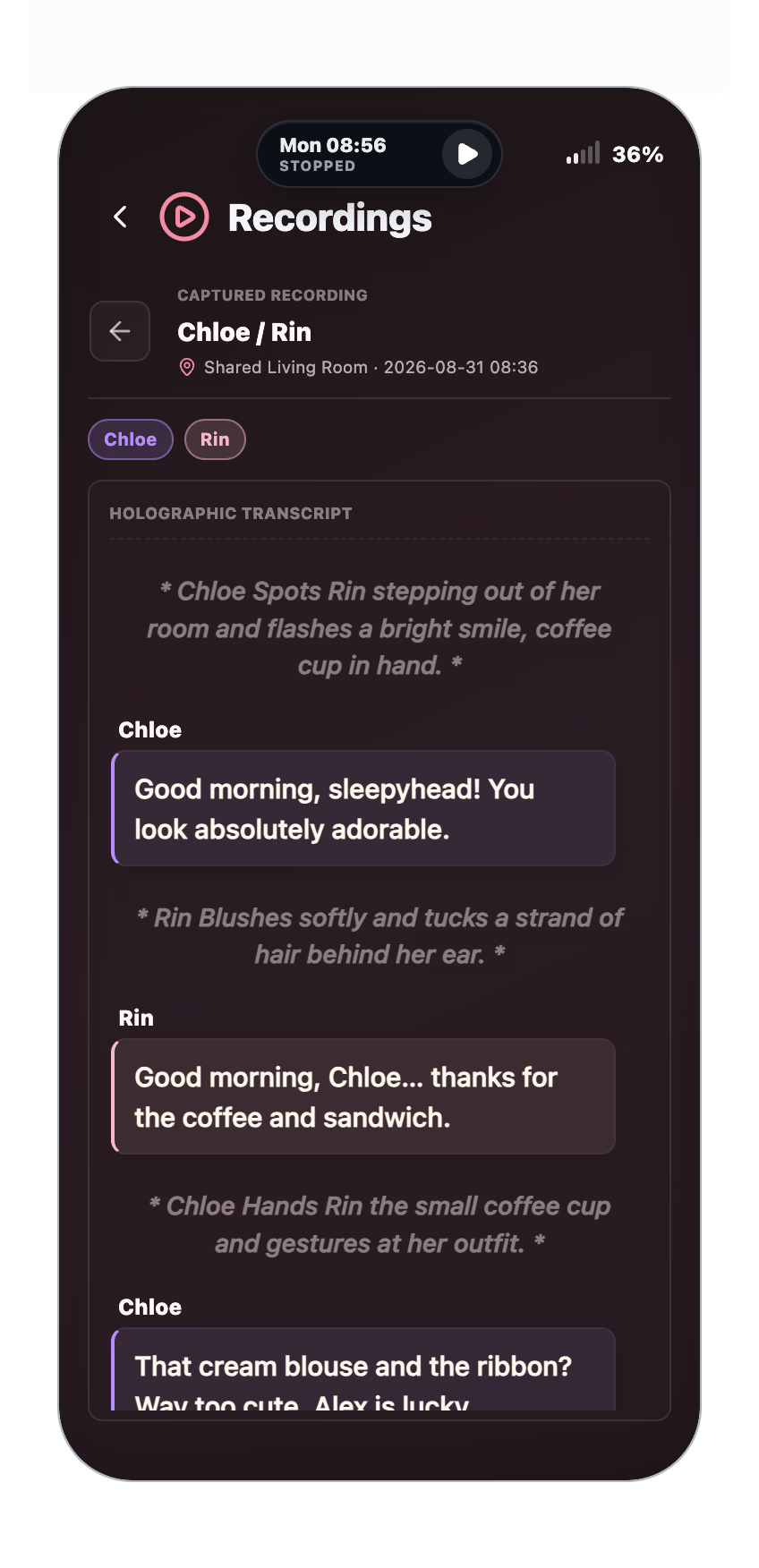
Through messages, social media, location data, recordings, and private thoughts, you can observe an autonomous cast of AI-driven characters living their own lives. They make plans, form relationships, interact with one another, and continue moving even when you are not watching.
How much can you trust her when attention is all you can offer from afar?
Last update: 2026-08-01
Released: 2026-07-31
Creator (developer): Dynamics Lab
Censored: No
Version: 1.0.3
OS: Windows, Linux, Mac
Language: English, Chinese
Store:
Genre:
How to install:
1. Download the Windows executable.
2. Run the executable.
3. The build is unsigned. If Microsoft Defender SmartScreen blocks it, click "More info" and then "Run anyway".
4. Only continue if the file was downloaded from an official link in this thread.
Linux
1. Download the AppImage.
2. Mark it as executable if required.
3. Run the AppImage.
macOS — Apple Silicon
1. Download and open the DMG.
2. Drag the game into Applications.
3. Try opening it once from Applications.
4. If macOS blocks it, open System Settings → Privacy & Security.
5. Click "Open Anyway", then "Open".
AI Setup
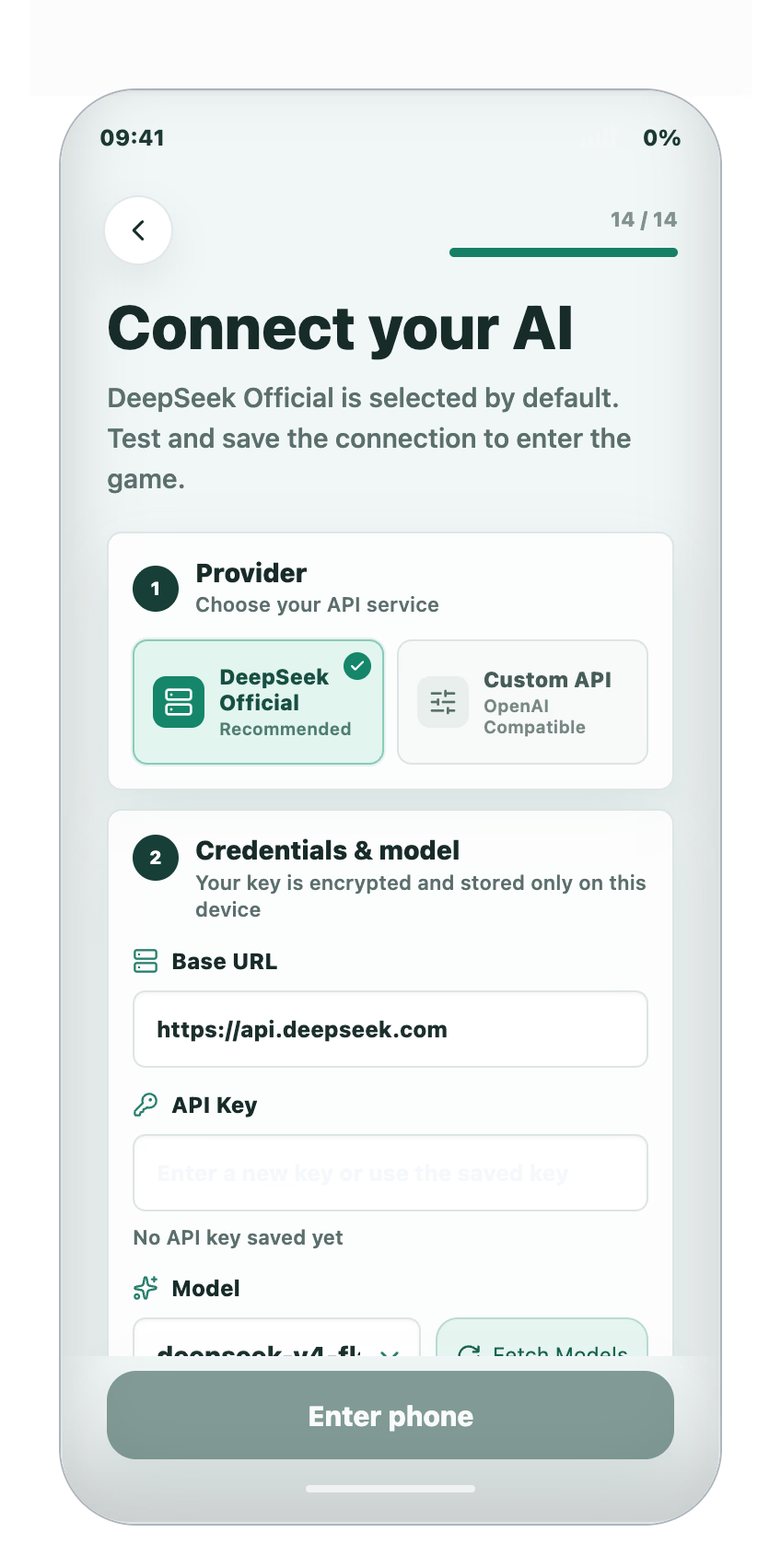
1. Obtain an API key from a supported AI provider.
2. DeepSeek V4 Flash through the official DeepSeek service is currently the only tested and recommended setup.
3. Enter the provider details and API key during the game's onboarding process.
4. Set a spending limit in your provider account before playing.
Offline Setup
1. Run a model with Tool Calling support locally through LM Studio or Ollama.
2. Enter its local inference endpoint during the game's onboarding process.
3. Enter "ollama" or "lm-studio" as a local placeholder in the API Key field.
Changelog:
- Autonomous characters with their own schedules, memories, relationships, and daily activities.
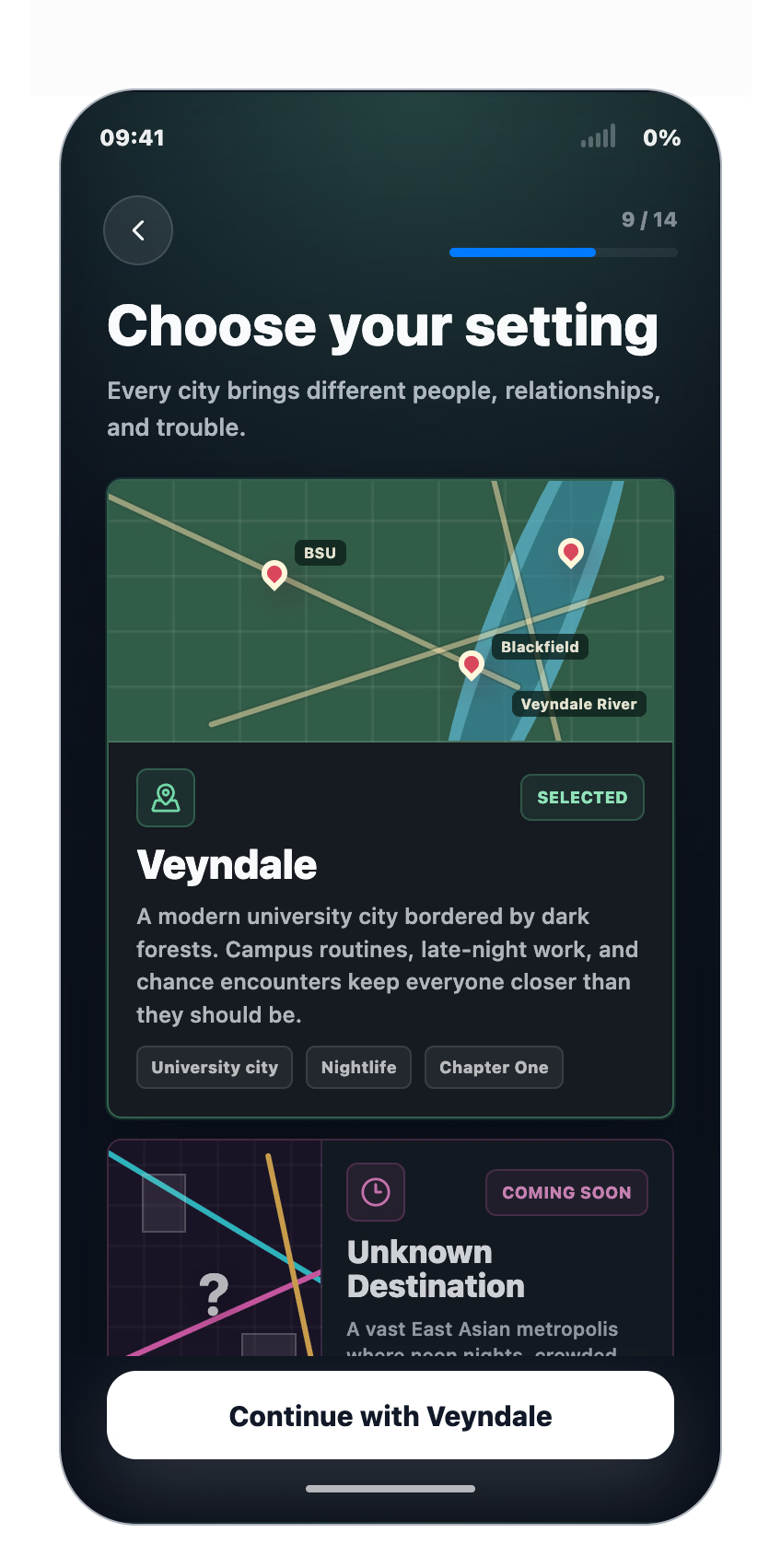
- Dynamic messages, social media posts, locations, outfits, and character interactions.
- Monitor and Recordings apps for following Rin's surroundings and important events.
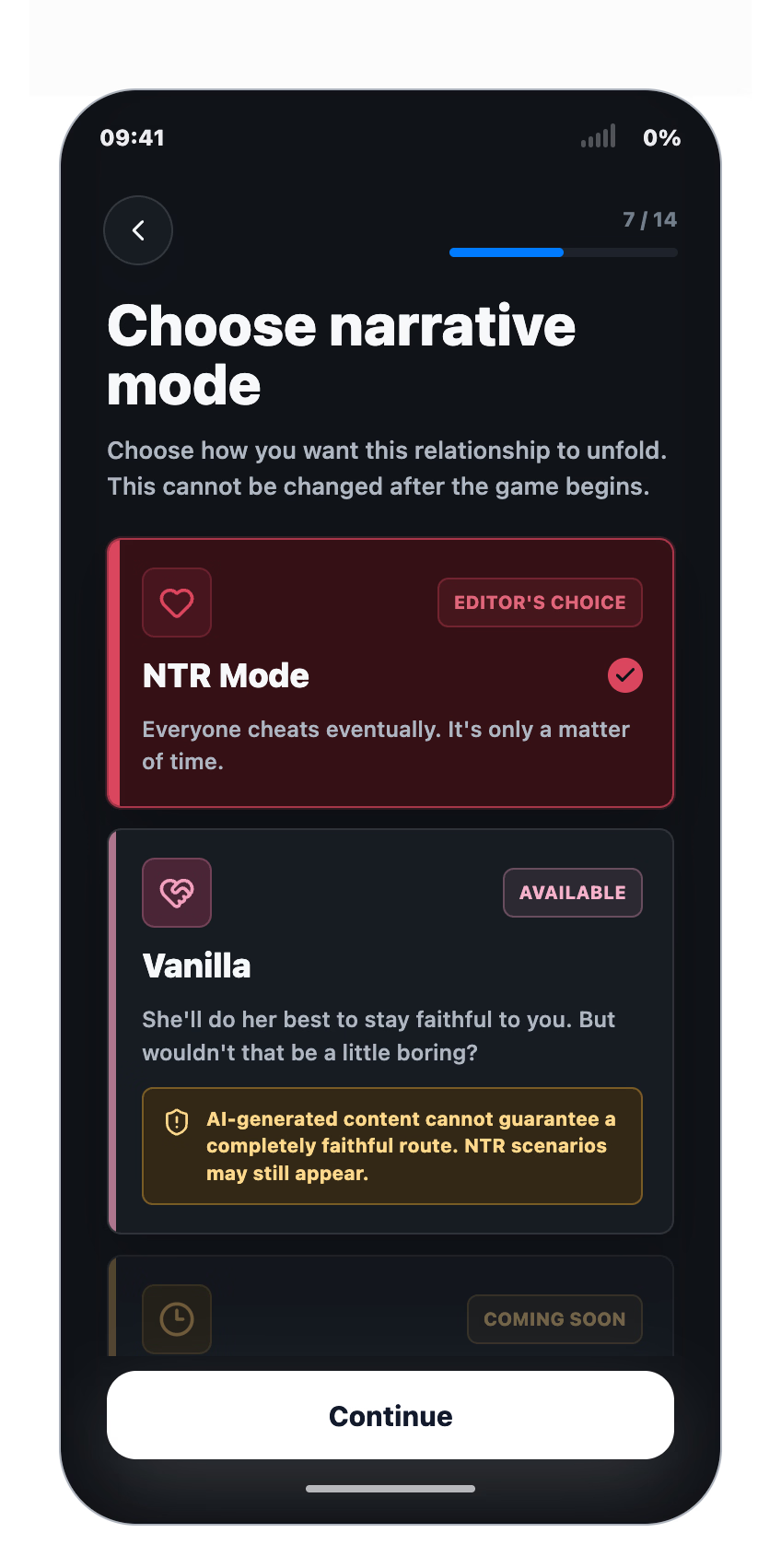
- Multiple relationship modes and story progression speeds.
- English support with an AI-translated Chinese localization.
- Manual saves and autosaves.
- Stable token cache rates of around 97% during normal play.
- Builds for Windows, Linux, and Apple Silicon Macs.
Developer Notes:
When using DeepSeek V4 Flash, the typical API cost is around $0.10 per hour of play, although actual usage may vary.
The current release does not include scene artwork or AI-generated images. Support for connecting your own image-generation provider is currently in development.
Screenshots
Downloads
My-AI-Girlfriend-Is-Cheating-on-Me-1.0.3-Windows-x64-7cf451.xgames.exe
My-AI-Girlfriend-Is-Cheating-on-Me-1.0.3-Linux-x86_64-7cf451.xgames.AppImage
My-AI-Girlfriend-Is-Cheating-on-Me-1.0.3-macOS-arm64-7cf451.xgames.dmg
Related Games

Crush the Queen by Velvet Frame
Some or all visuals in this game were created with AIRichie and Alice are both 18, study at the same college, and have been together for three years. They are used to a quiet life where neither attracts much attention. When a new academic year begins, everyone on campus suddenly notices Alice, and the relationship Richie took for granted starts to change.Christine, the campus's reigning social queen, pulls Alice into cheerleading and closer to her brother Tony, the football captain Alice has been assigned to tutor. For Richie, the change brings pride, jealousy, curiosity, and the fear that Alice may be growing into a life where he no longer fits.You can play only from Richie's POV and share his blind spots, or add Alice's scenes and see the choices he never witnesses. Your decisions build Loyal, Lust, and Vanity, gradually opening Love, NTS, and NTR directions as the story develops.Last update: 2026-09-23Released: 2026-09-23Creator (developer): Velvet FrameCensored: NoVersion: Chapter 1.003OS: Windows, Linux, Mac, AndroidLanguage: English, Russian, German, French, Italian, SpanishGenre:2dcg, ai cg, male protagonist, female protagonist, multiple protagonists, romance, masturbation, oral sex, vaginal sex, netorareHow to install:1. Extract and run.Changelog:Chapter 1.003Initial Release

Noble of Pride ~The Arrogant Noble Lady & the Succubus's Curse~
Description:Born into a distinguished noble house, the young lady Claire grew up without a single setback or hardship. With peerless beauty and a beloved fiancé by her side, her life was truly smooth sailing.That pristine life shatters when she carelessly breaks a tarnished jewel mixed in with imported gifts, unsealing an ancient succubus. As a parting gift, the spirit afflicts Claire with an insidious curse: she will be plunged into uncontrollable estrus, binding her lust to the very next person she sees.Overconfident in her pride, Claire assumes she is safe, believing only her fiancé would ever visit her private quarters. But when an insolent manservant she usually treats like dirt wanders into the wrong room, Claire catches sight of him—and the curse instantly ignites her body with burning desire for the very lackey she despises.The curse will naturally dissipate in 10 days, but it feeds on male essence. To stay pure for her fiancé, Claire must explore dangerous ruins, craft alchemical countermeasures, and duel her servant daily to keep his lust at bay. Will Claire endure the 10 days with her noble pride intact, or will defeat drag her down the path of complete corruption and NTR?Last update: 2026-09-21Released: 2024-06-20Original Name: ノーブルオブプライド ~傲慢なお嬢様と淫魔の呪い~Aliases: Noble of Pride ~Goumanna Ojousama to Inma no Noroi~Creator (developer): Miraiyukaido (ミライユカイ堂)Translator:Censored: Yes (Mosaics)Version: Ver.24.07.23OS: WindowsLanguage: English ()Store:Other Games:Genre:2D Game, 2DCG, Anal Sex, Adventure, Ahegao, Bdsm, Bestiality, Big Ass, Big Tits, Blackmail, Bukkake, Censored, Cheating, Combat, Corruption, Creampie, Drugs, Exhibitionism, Fantasy, Female Protagonist, Groping, Group sex, Handjob, Humiliation, Humor, Internal view, Interracial, Japanese Game, Lesbian, Male Domination, Masturbation, Monster, Monster Girl, Multiple Endings, Multiple Protagonist, Multiple Penetration, Netorare, Oral Sex, PoV, Pregnancy, Rape, RPG, Sex Toys, Sexual Harassment, Spanking, Stripping, Teasing, Tentacles, Titfuck, Turn based combat, Urination, Vaginal Sex, Virgin, VoyeurismHow to install:1. Extract and run.Translator Notes:You can so that I can continue doing this as a hobby.Required: Patch the game with the latest fixes/changes by running (because of this feature this game may be getting false flagged for malware by chrome for some users.)

Secrets: Female Knight NTR (v1.01) by Aoi Laboratory
Description:The protagonist is given the mission to destroy a magic stone that allows people to "obey" commands,and together with his female knight lover, he heads to three different locations.The female knight disguises herself as a nun or maid to infiltrate the dungeon, while the protagonist ventures in.The protagonist is faced with a choice: go and check on the heroine, or dedicate himself to conquering the dungeon.If you can't clear the dungeon within the time limit, something terrible will happen.Last update: 2026-09-20Released: 2026-09-18Original Name: 秘密 女騎士NTRCreator (developer): Aoi LaboratoryTranslator:Censored: Yes (Mosaics)Version: 1.01OS: WindowsLanguage: English (AI TL)Store:Other Games:Genre:2D Game, 2DCG, Japanese Game, Censored, Male Protagonist, Anal, Big Breasts, Blowjob, Netorare, Humiliation, Mind Control, Oral Sex, Vaginal Sex, Creampie, Multiple Endings, Sex Toys, Masturbation, Handjob, Animated, Female Protagonist, Multiple ProtagonistHow to install:1. Extract and run.Developer Notes:A comprehensive recollection room and a total number of CG imagesCG:33Shadow puppet animation: 20 typesEndings: 5 typesTotal number of CG images: 680 or more (including variations)